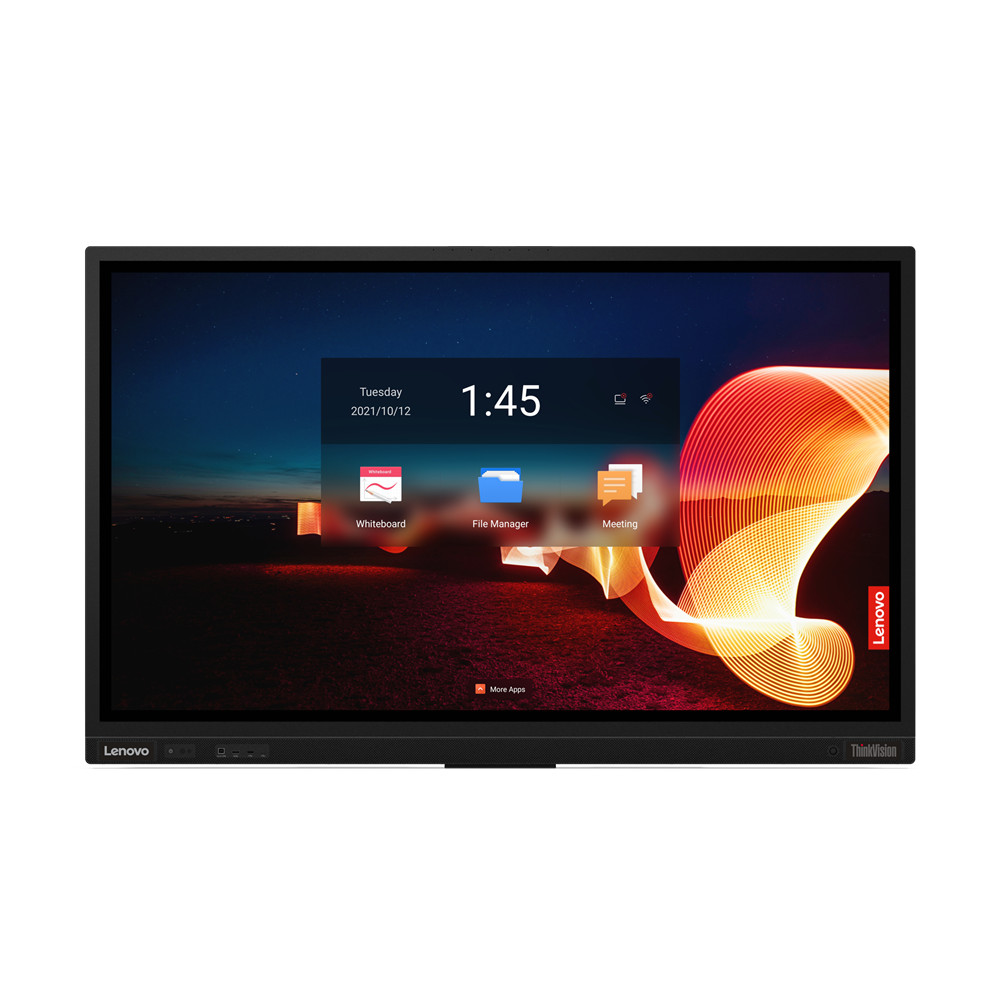
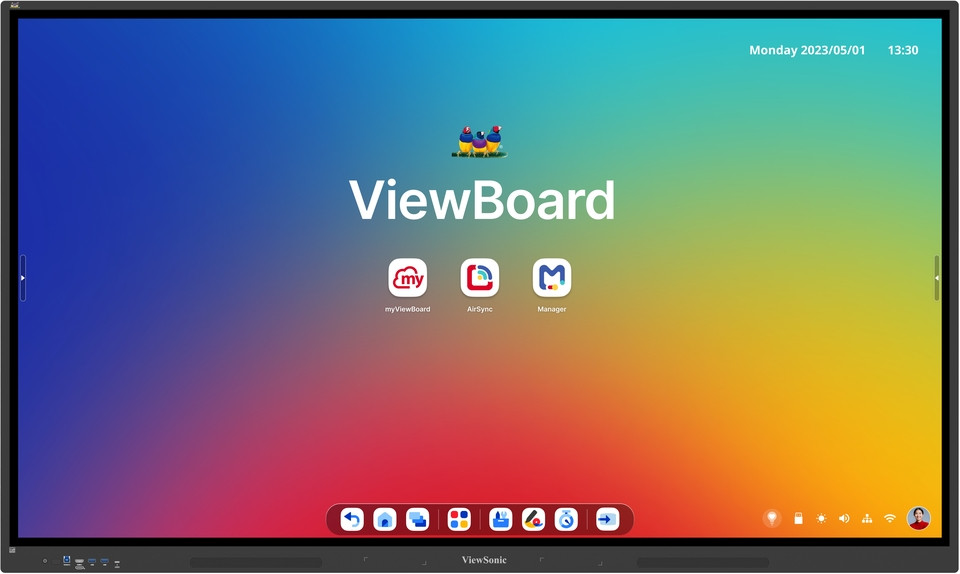
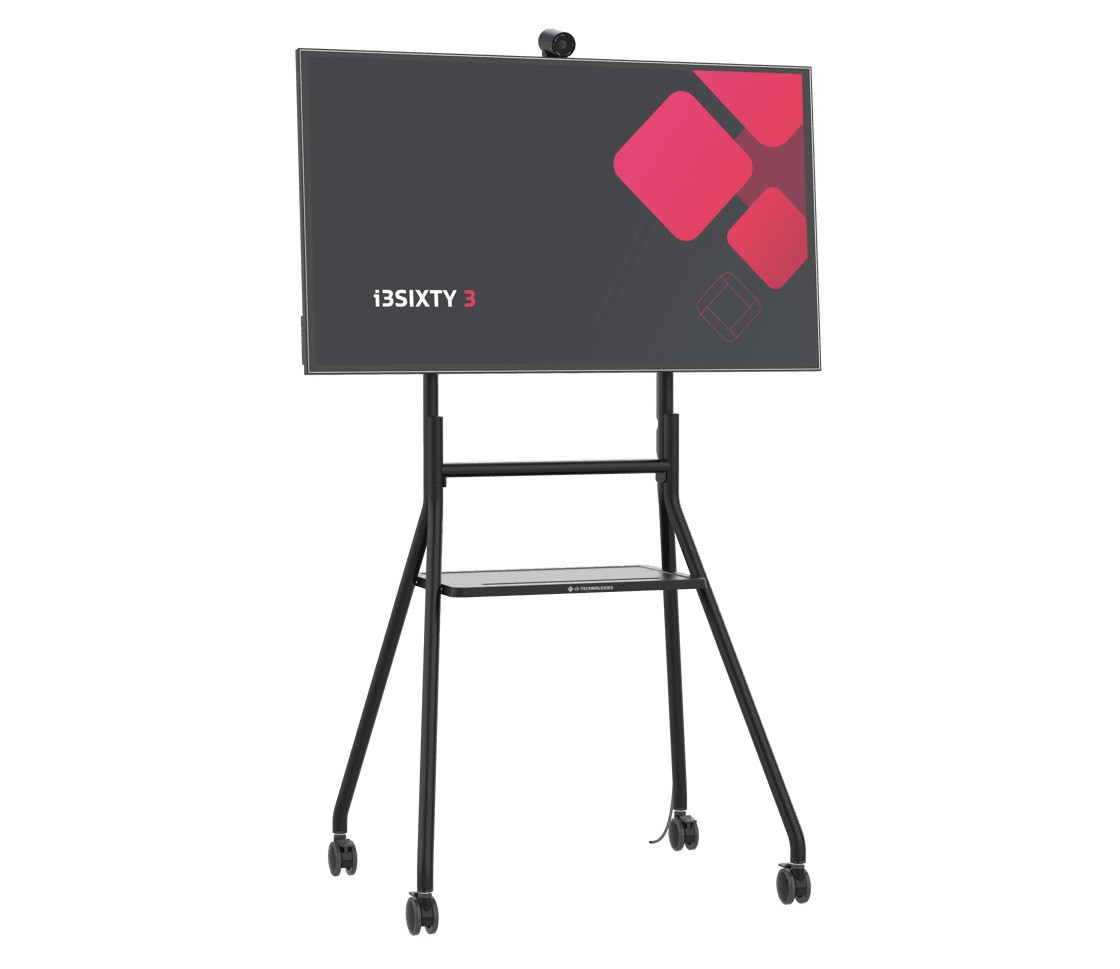
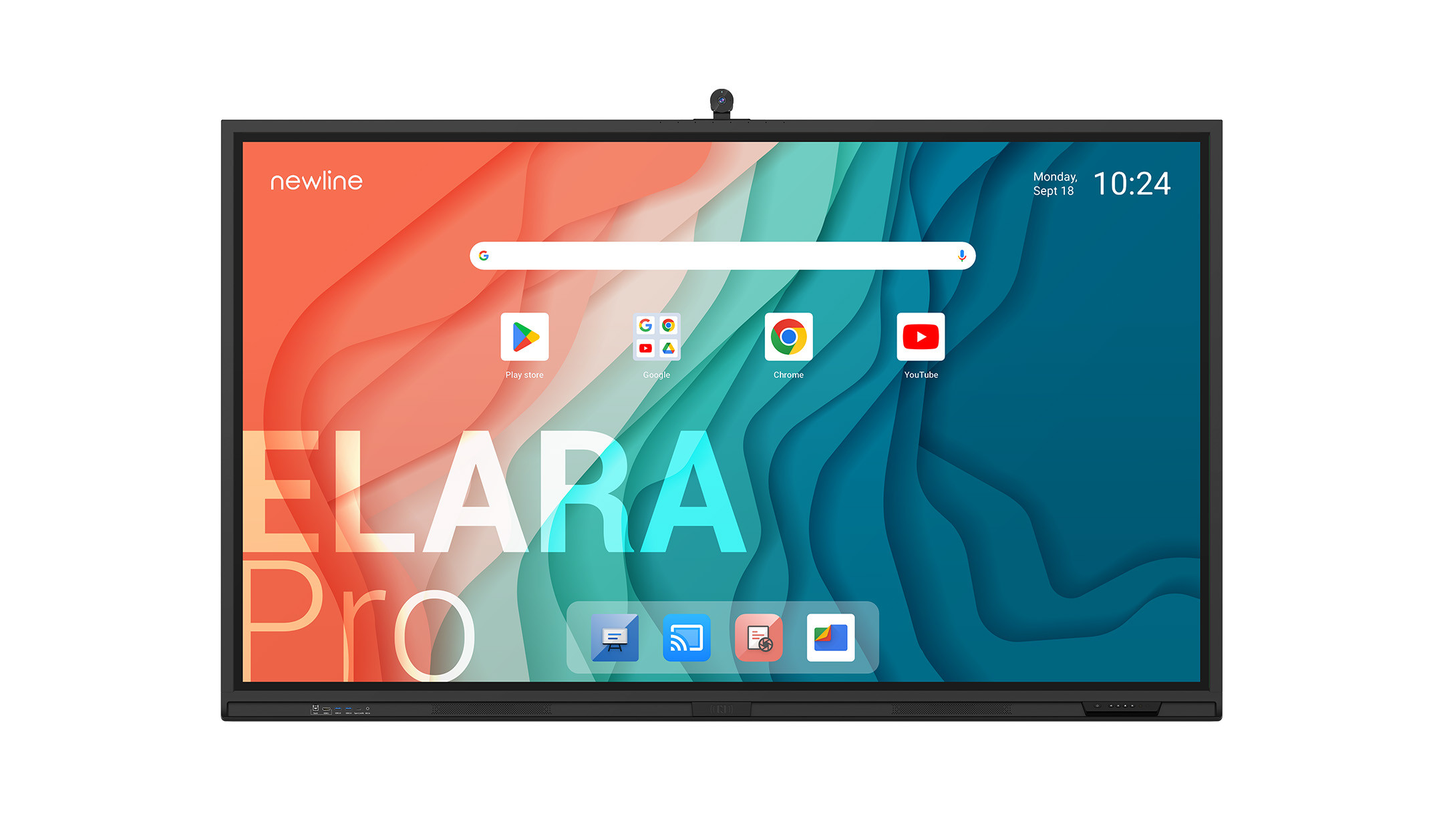
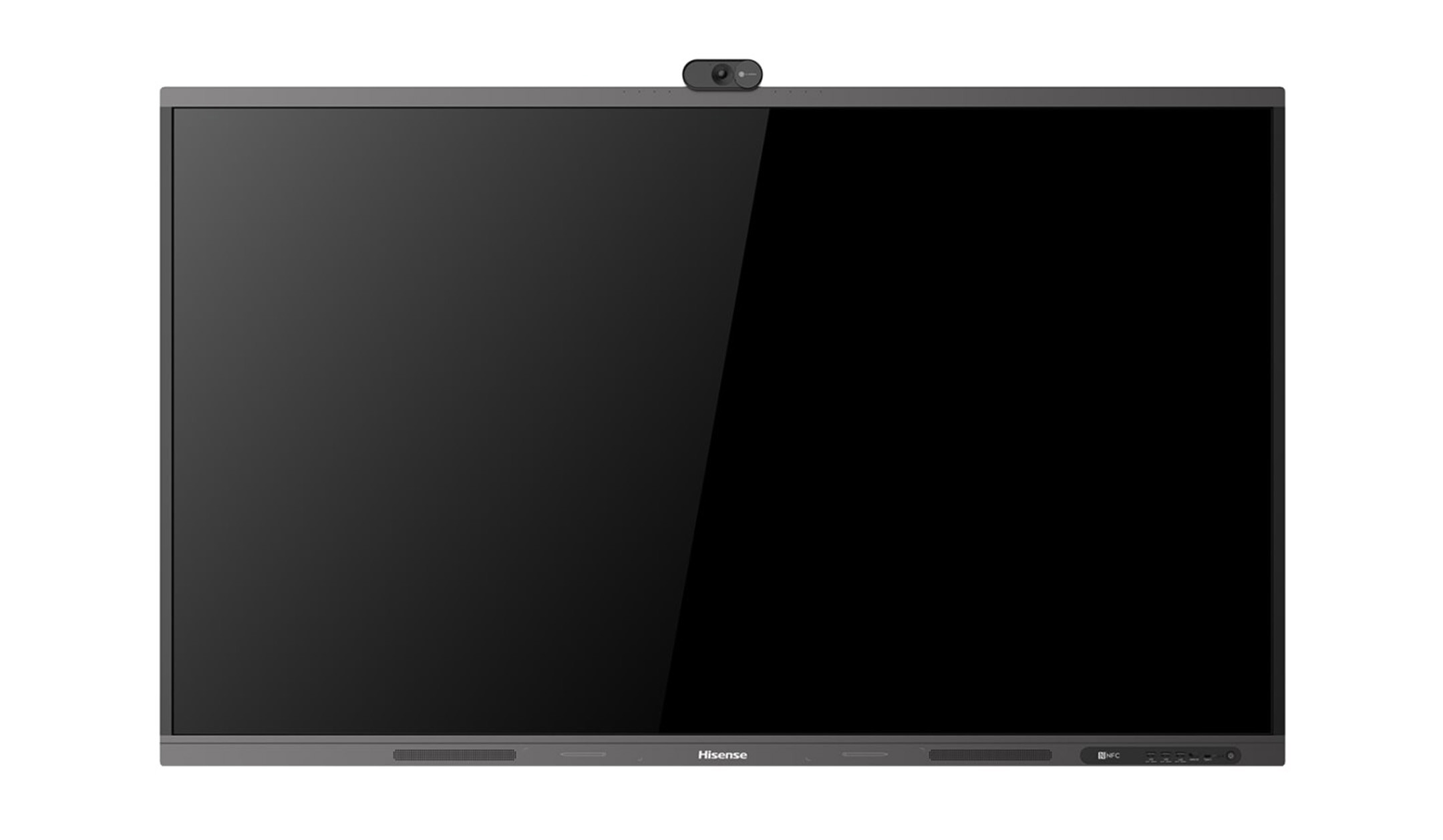
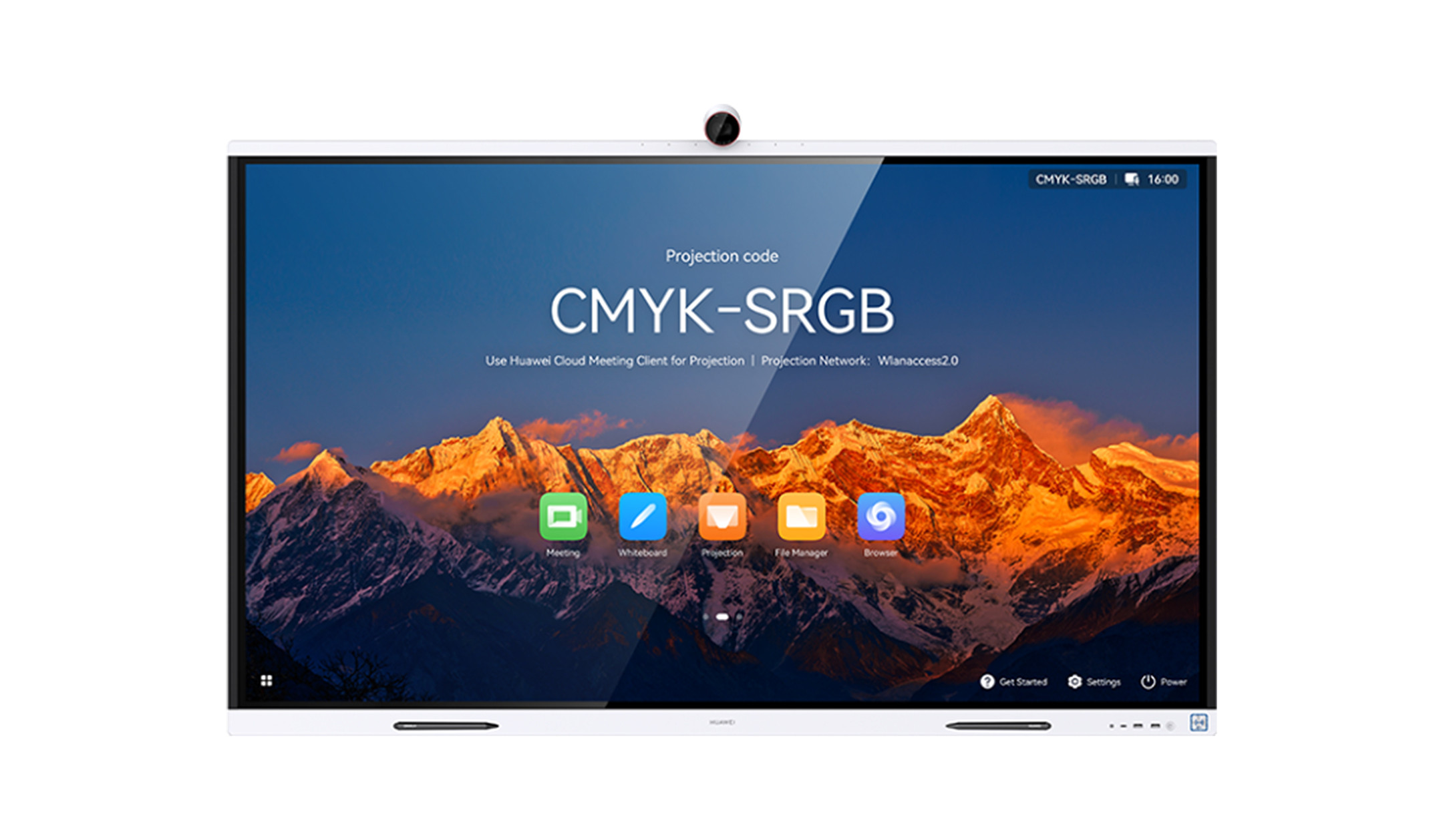
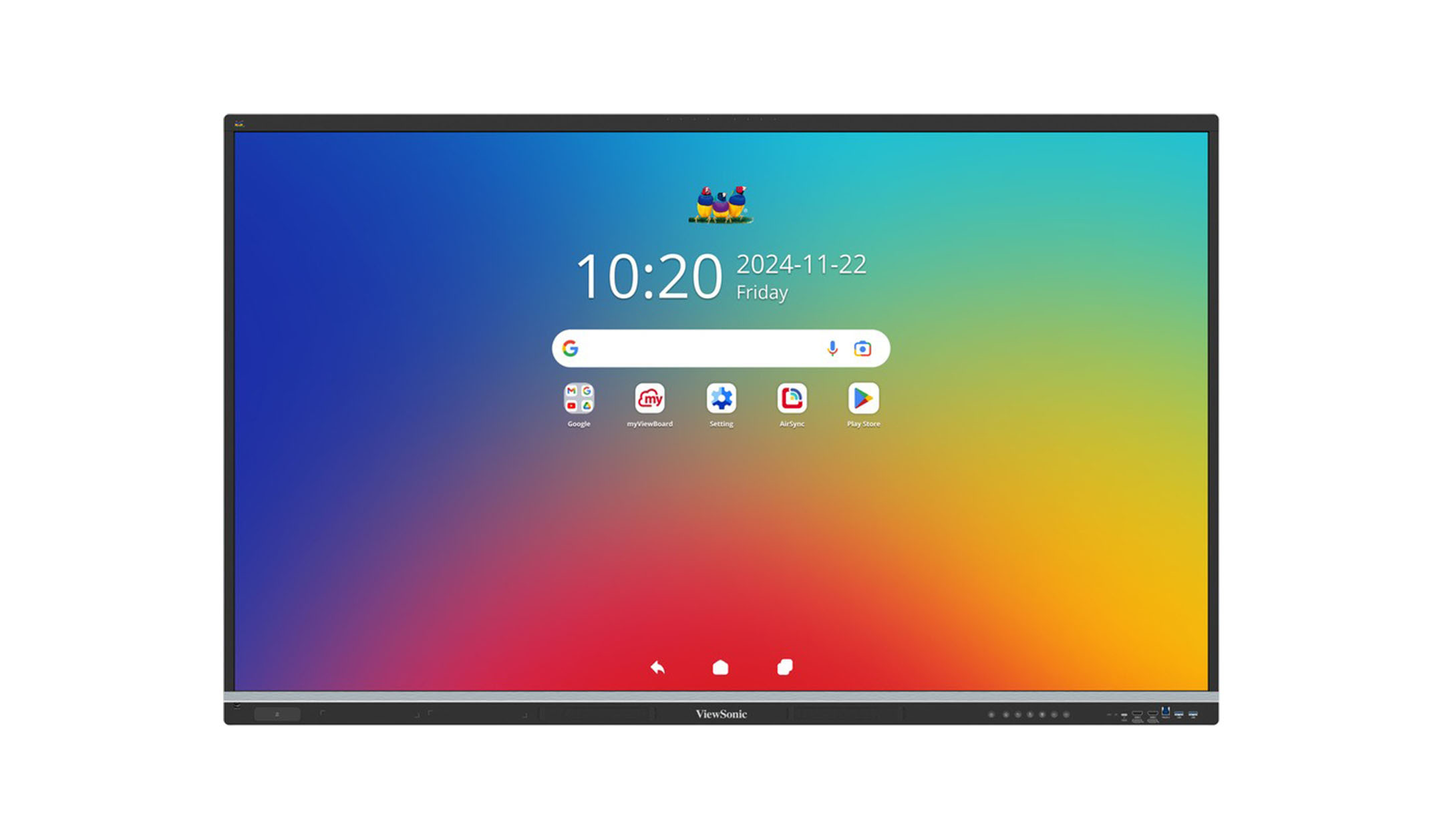
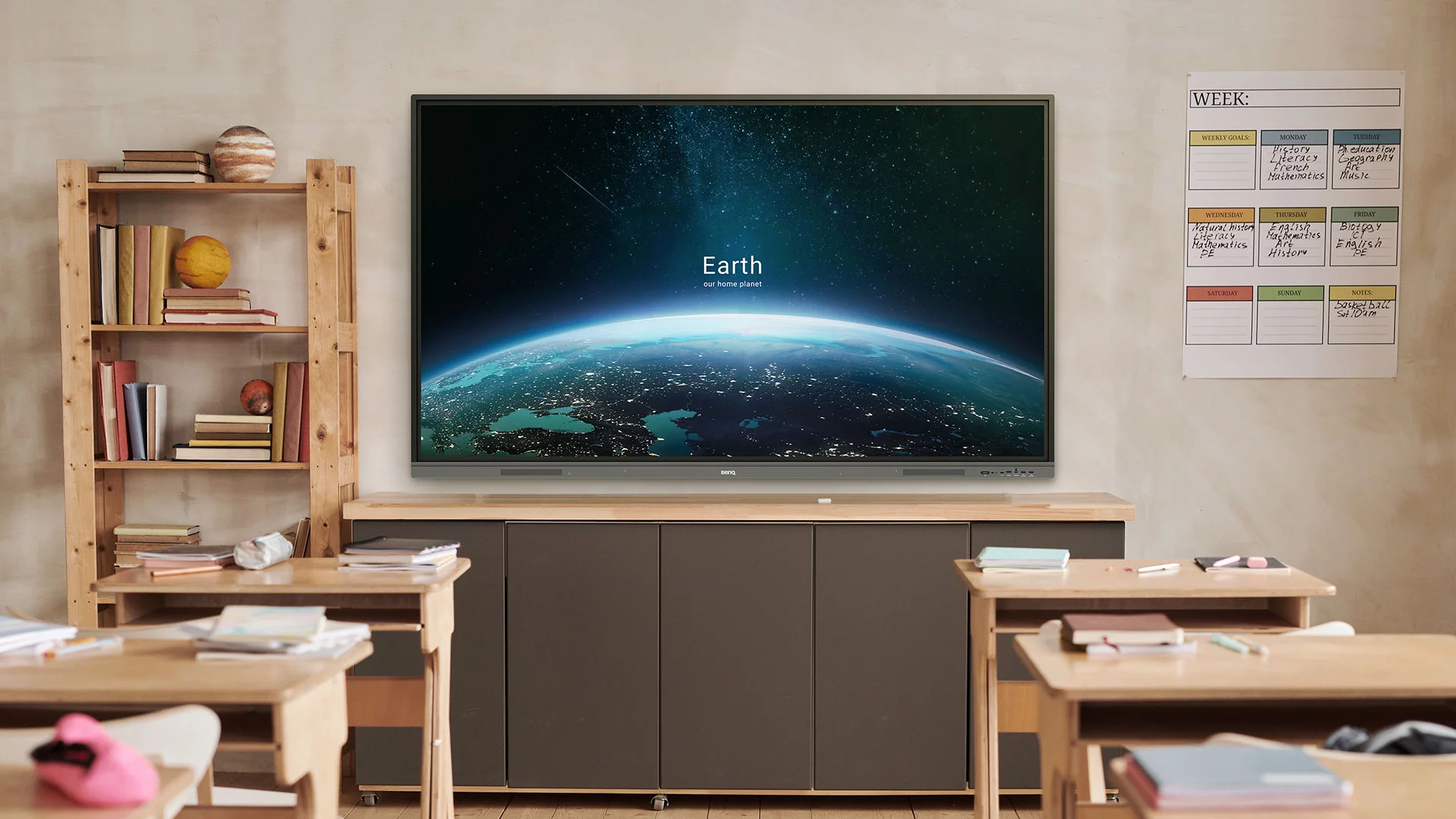
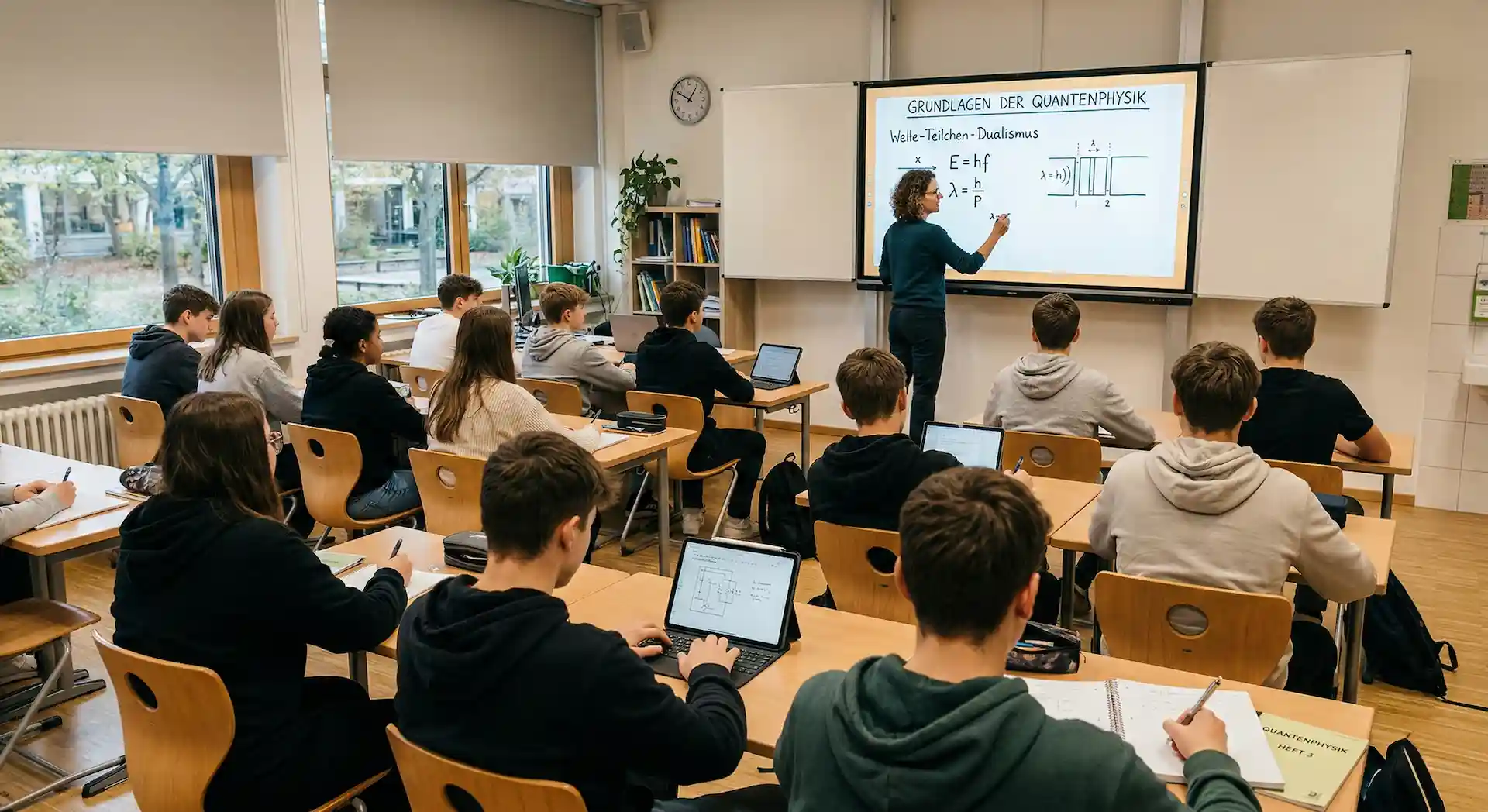
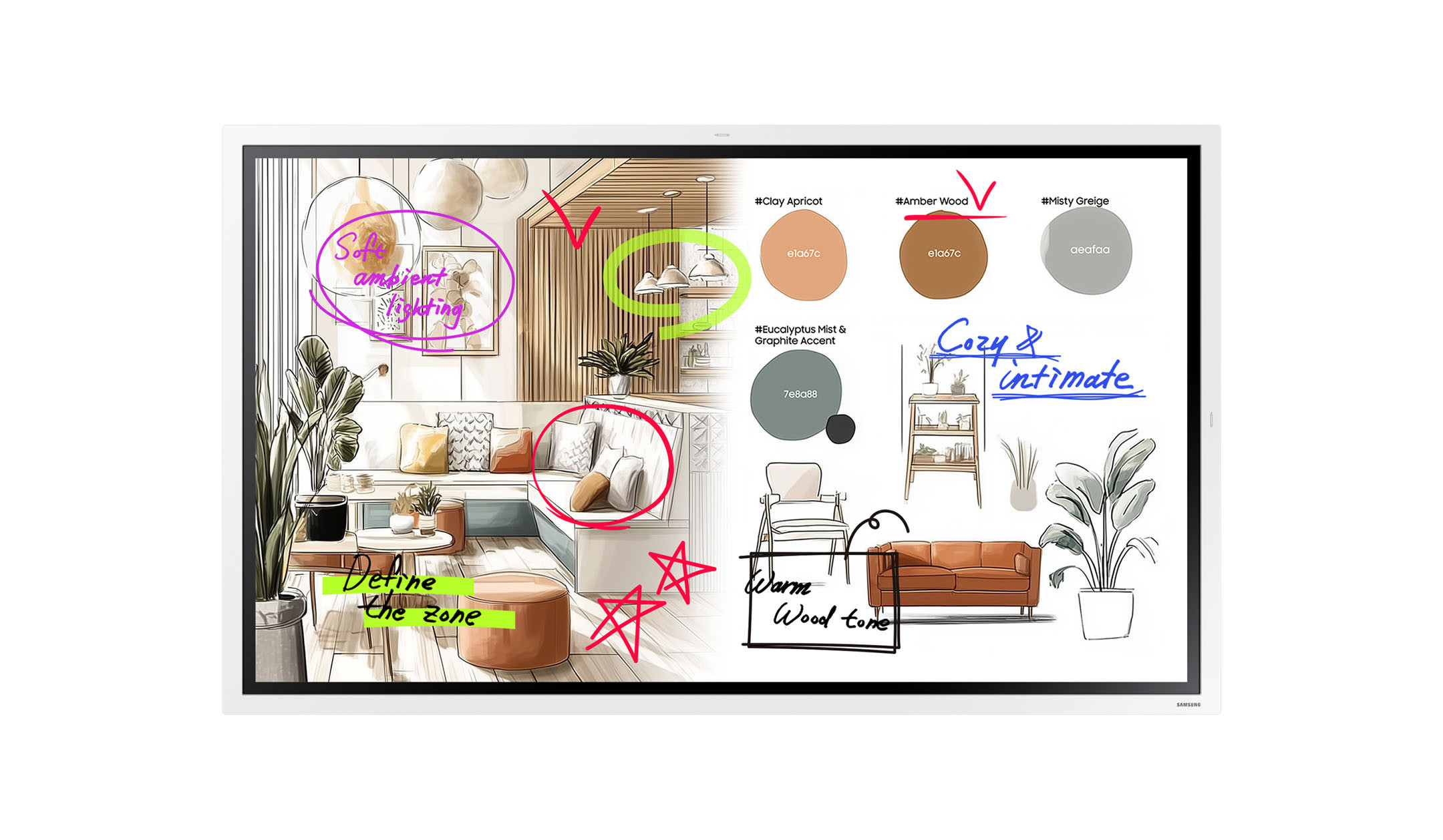
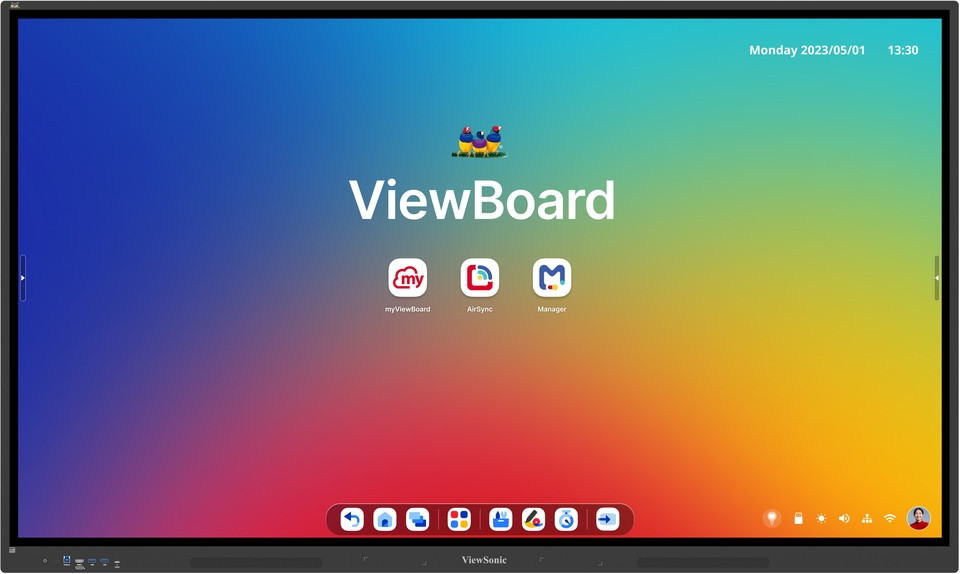
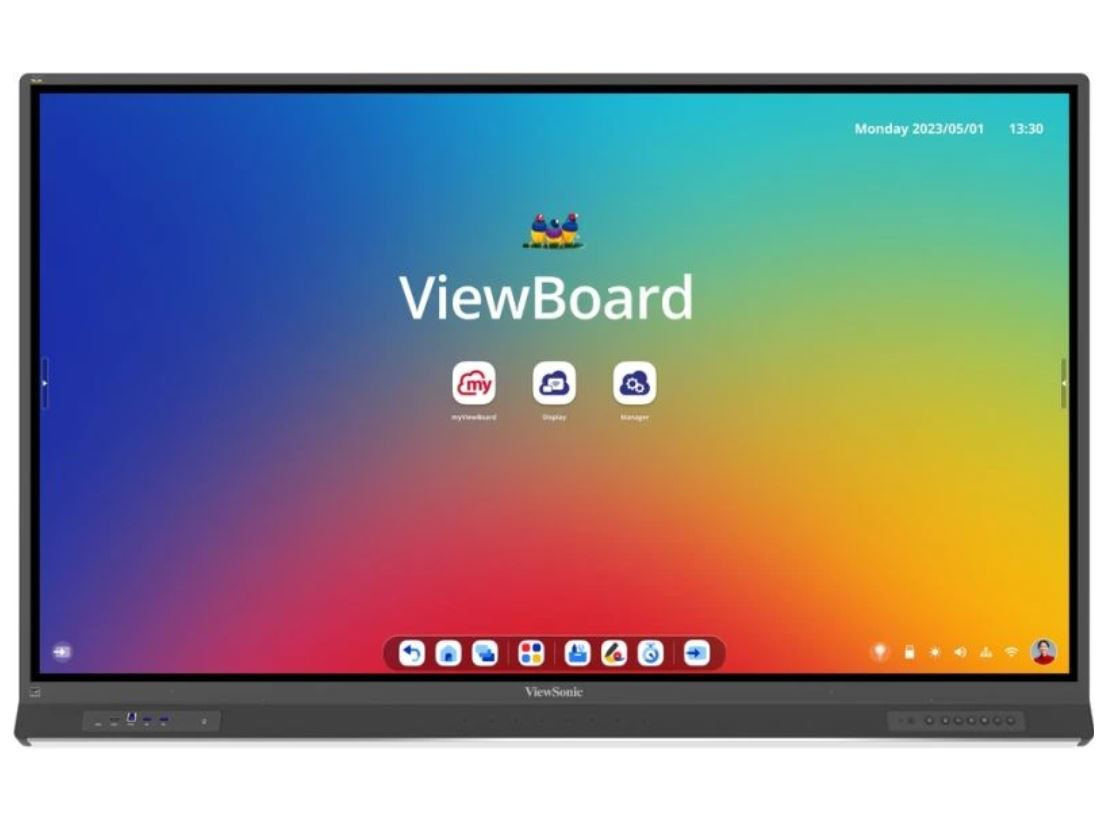
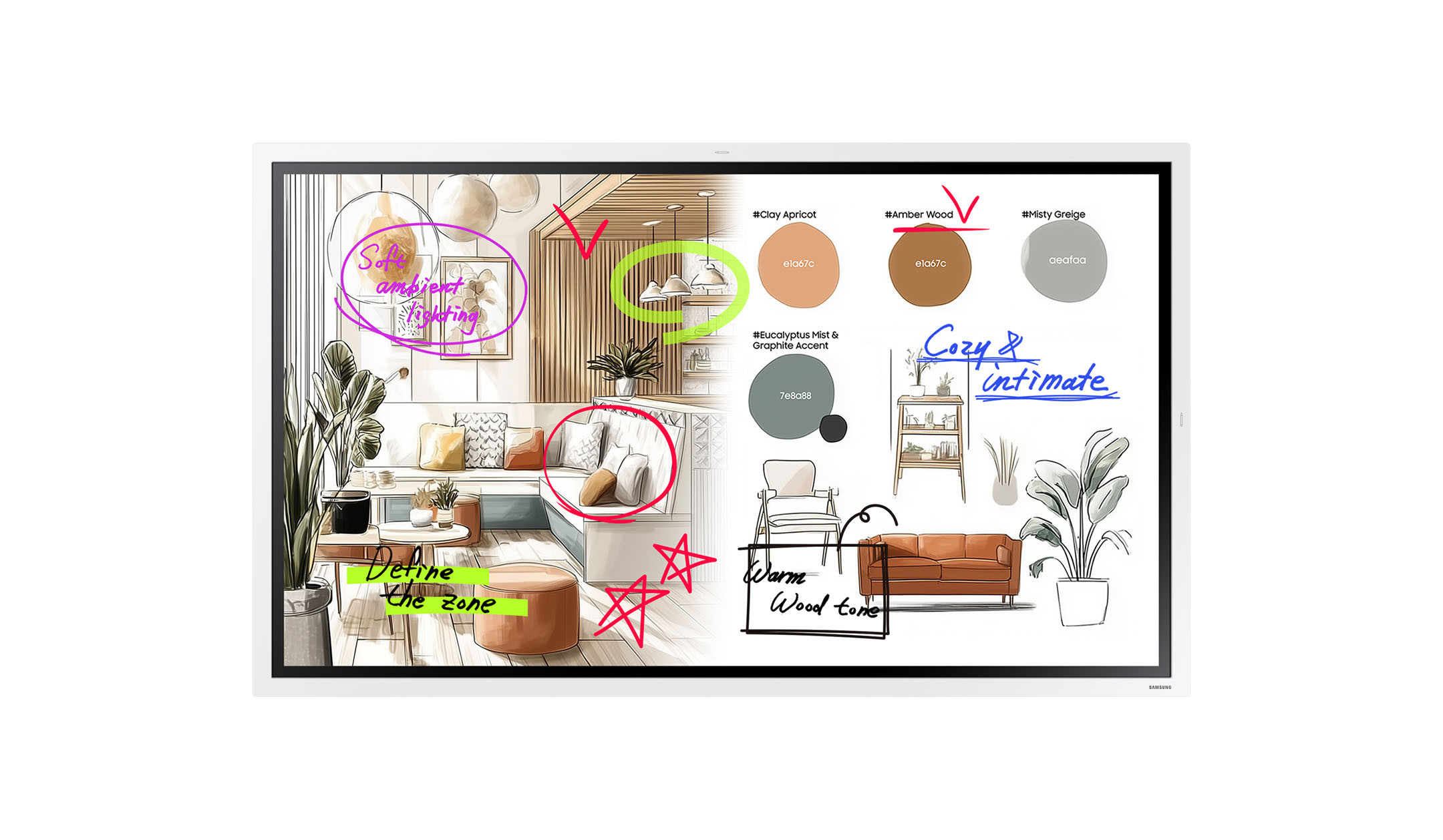
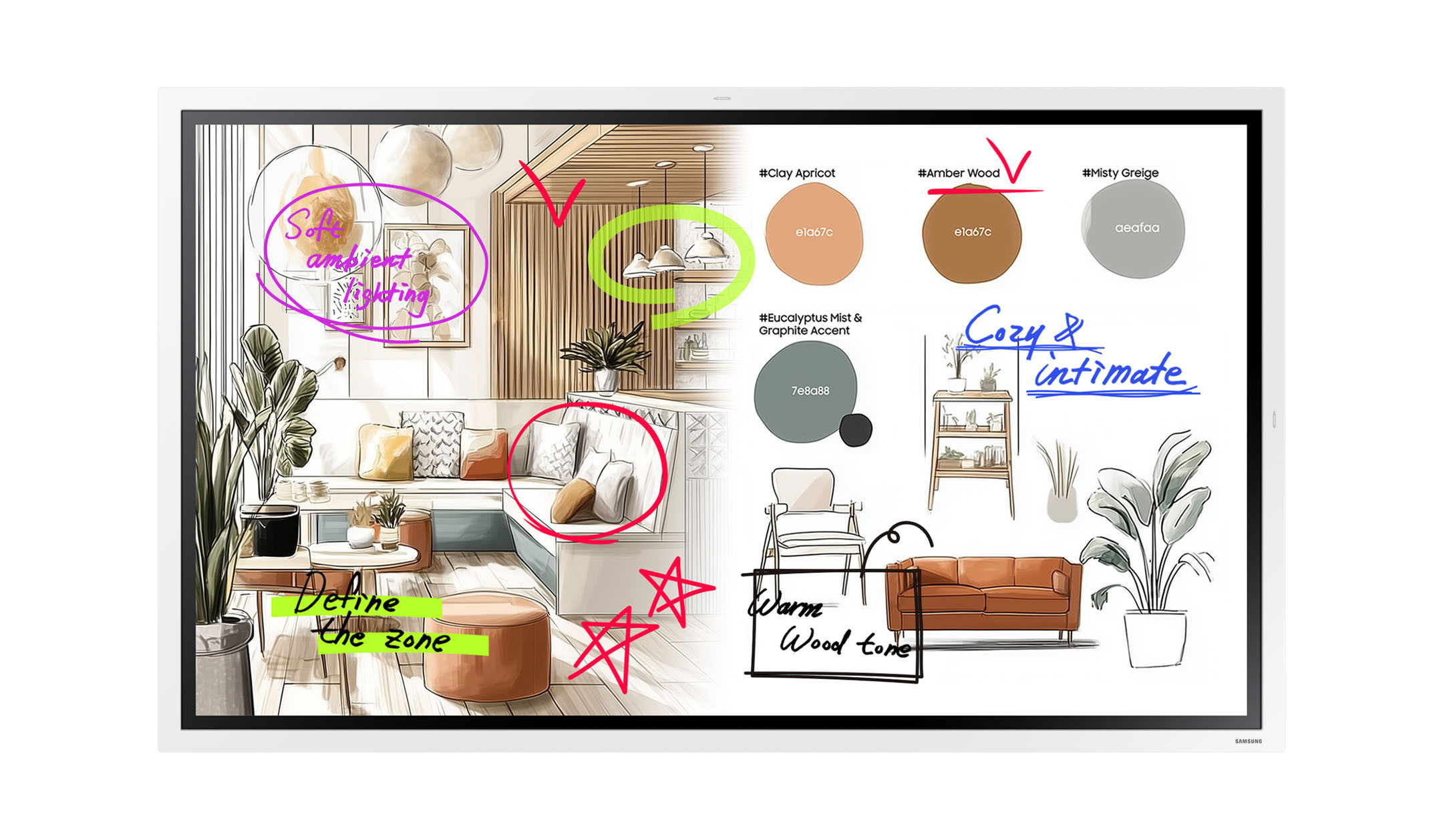
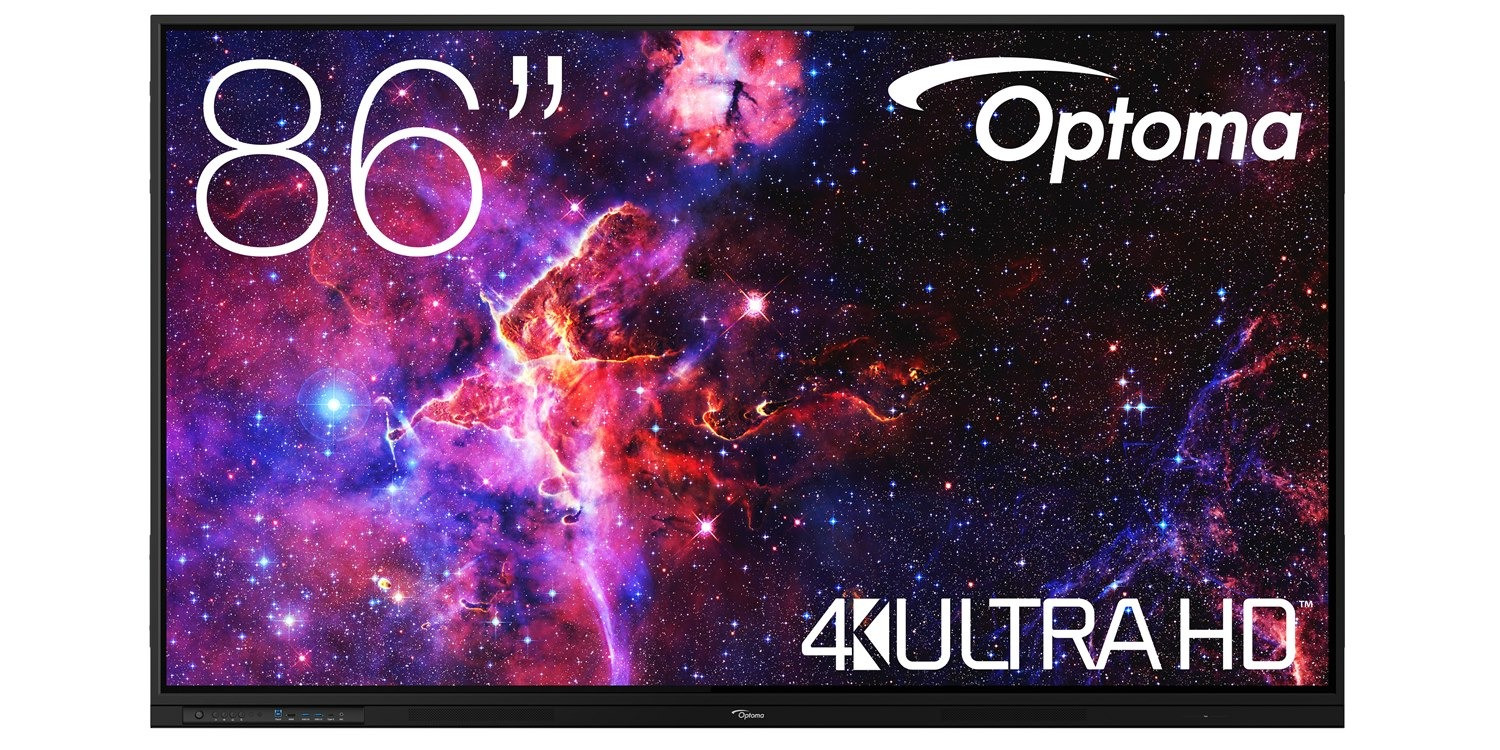
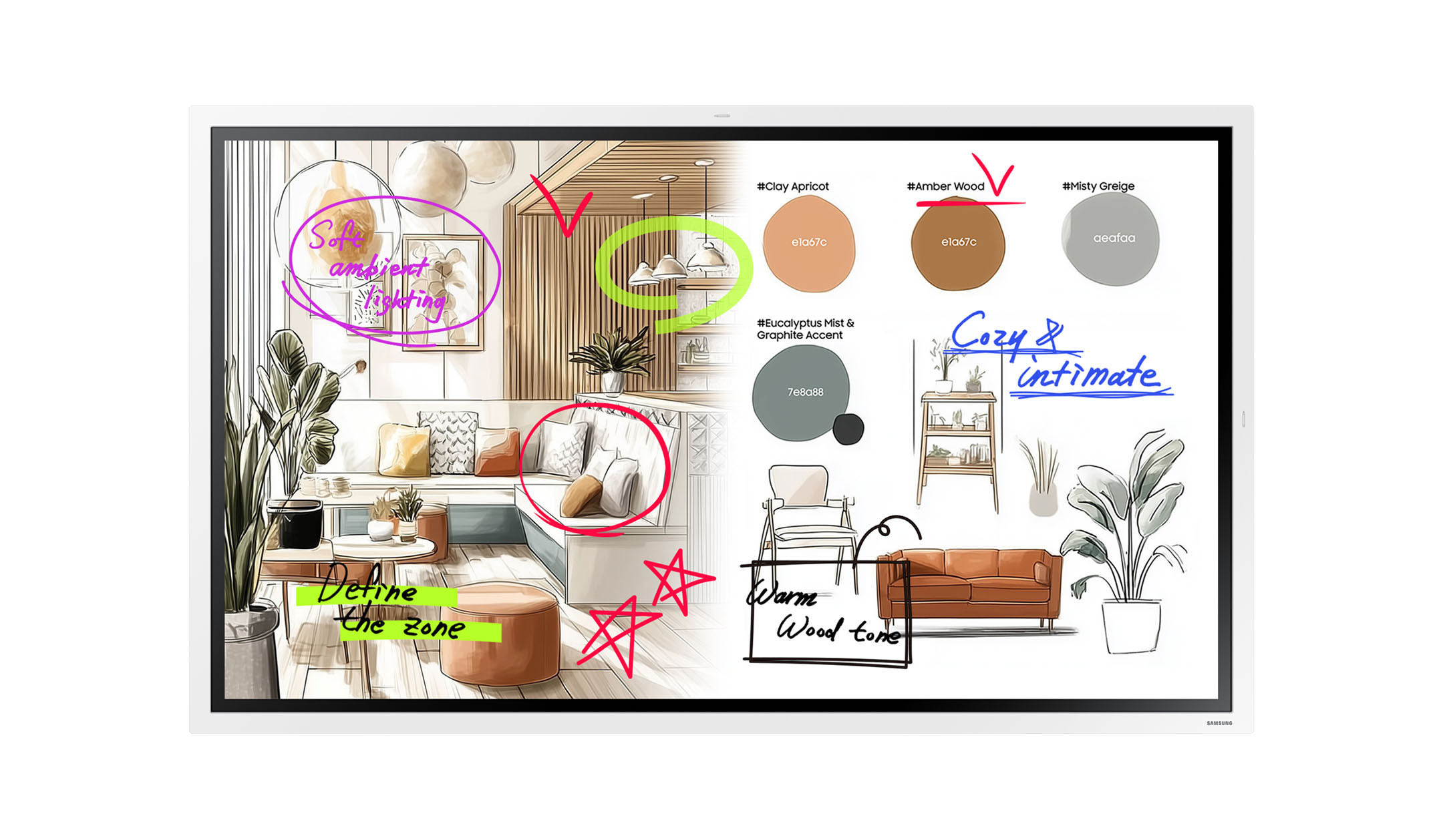
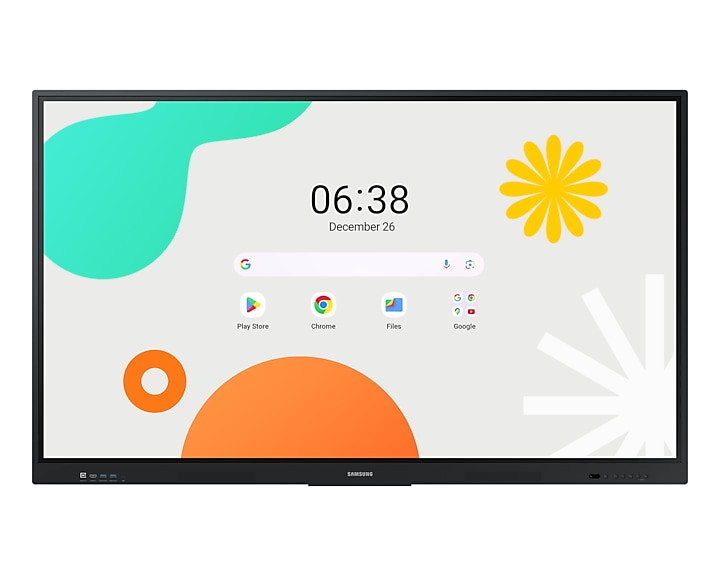
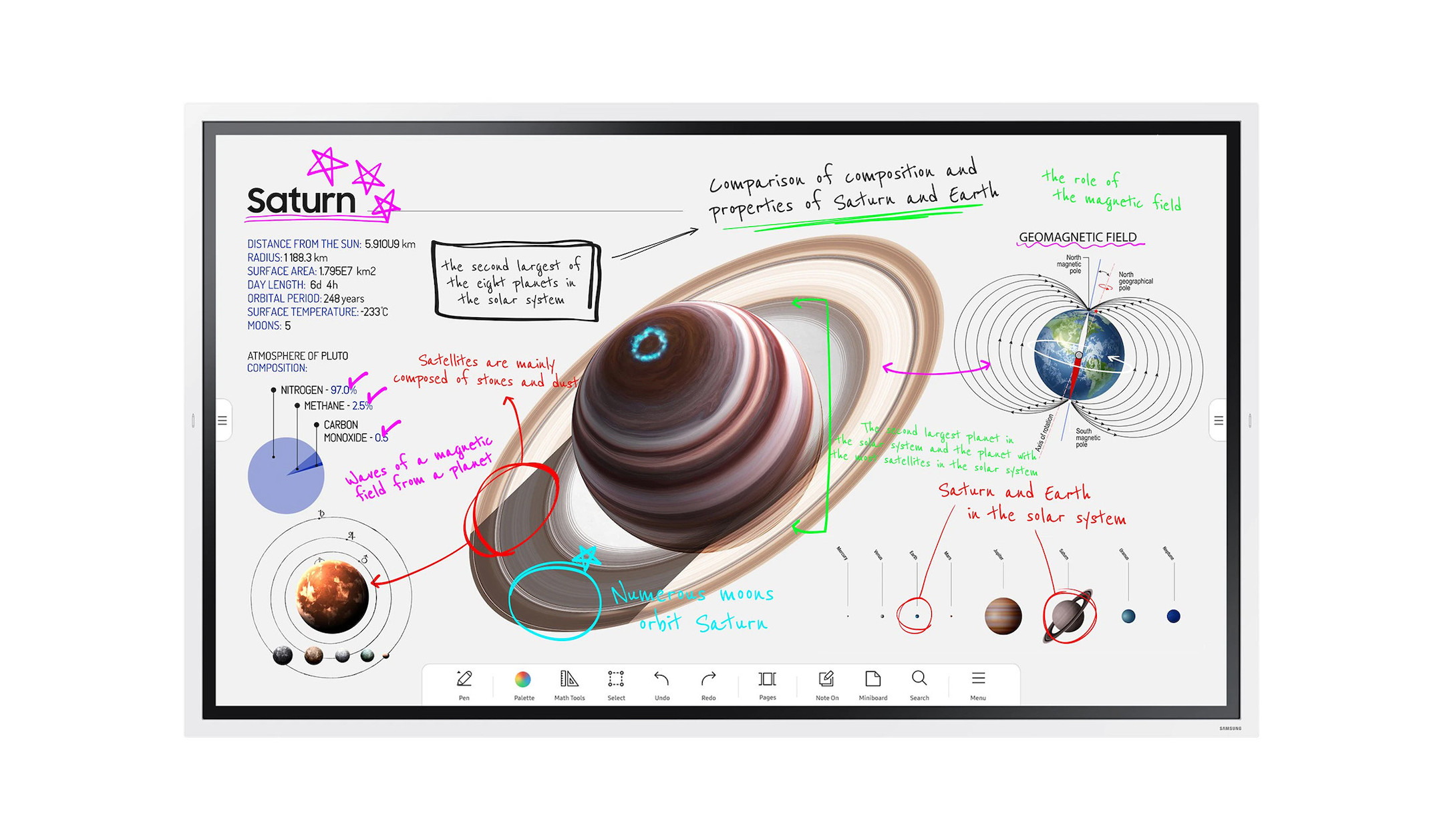
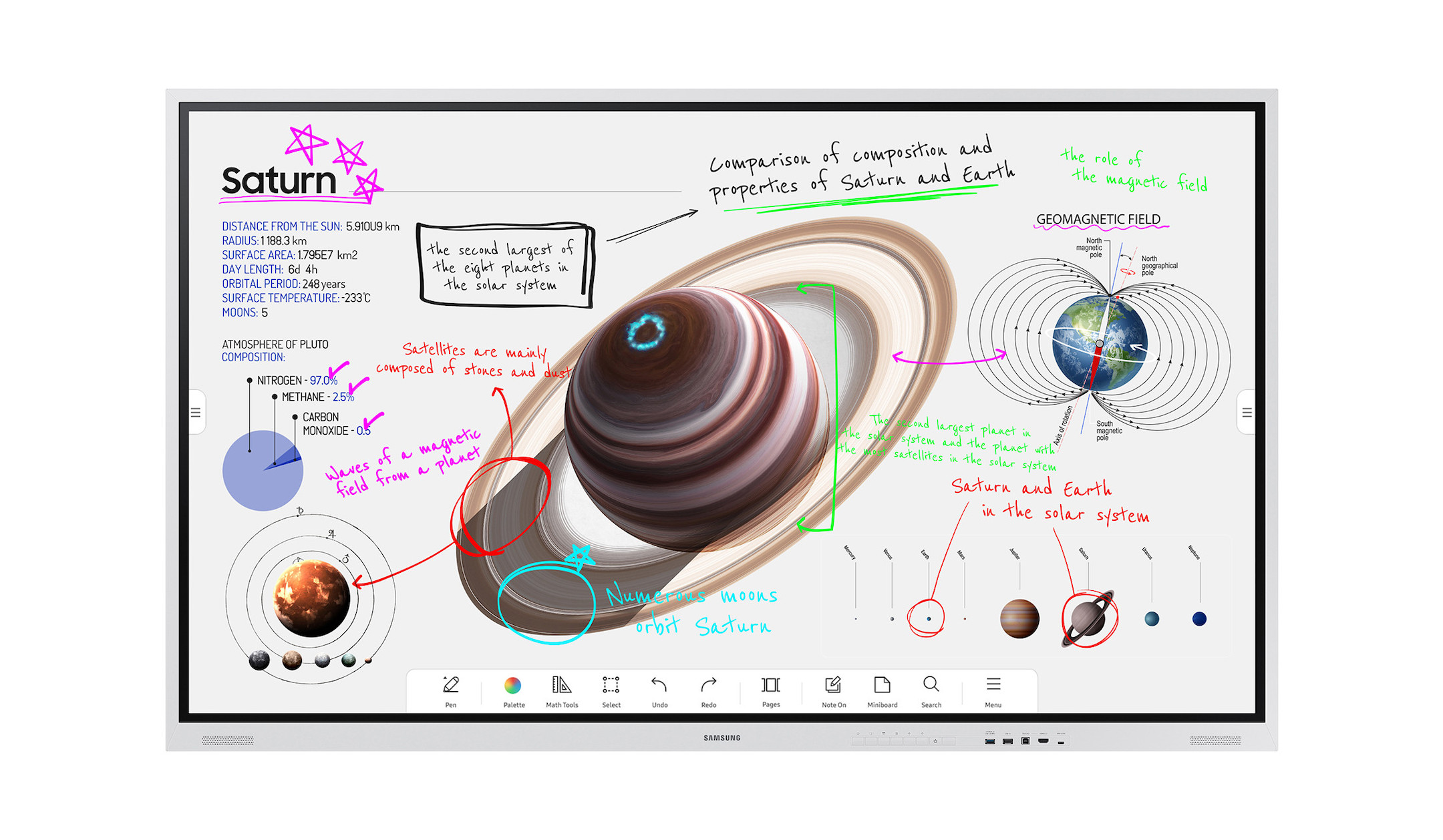
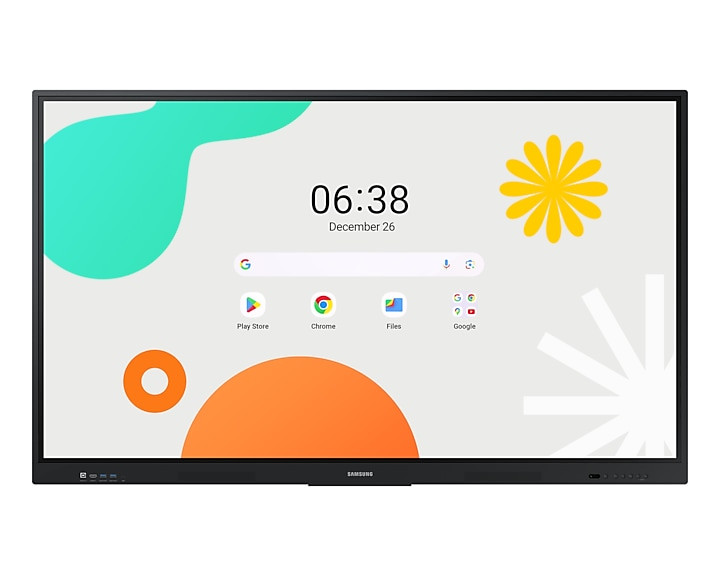
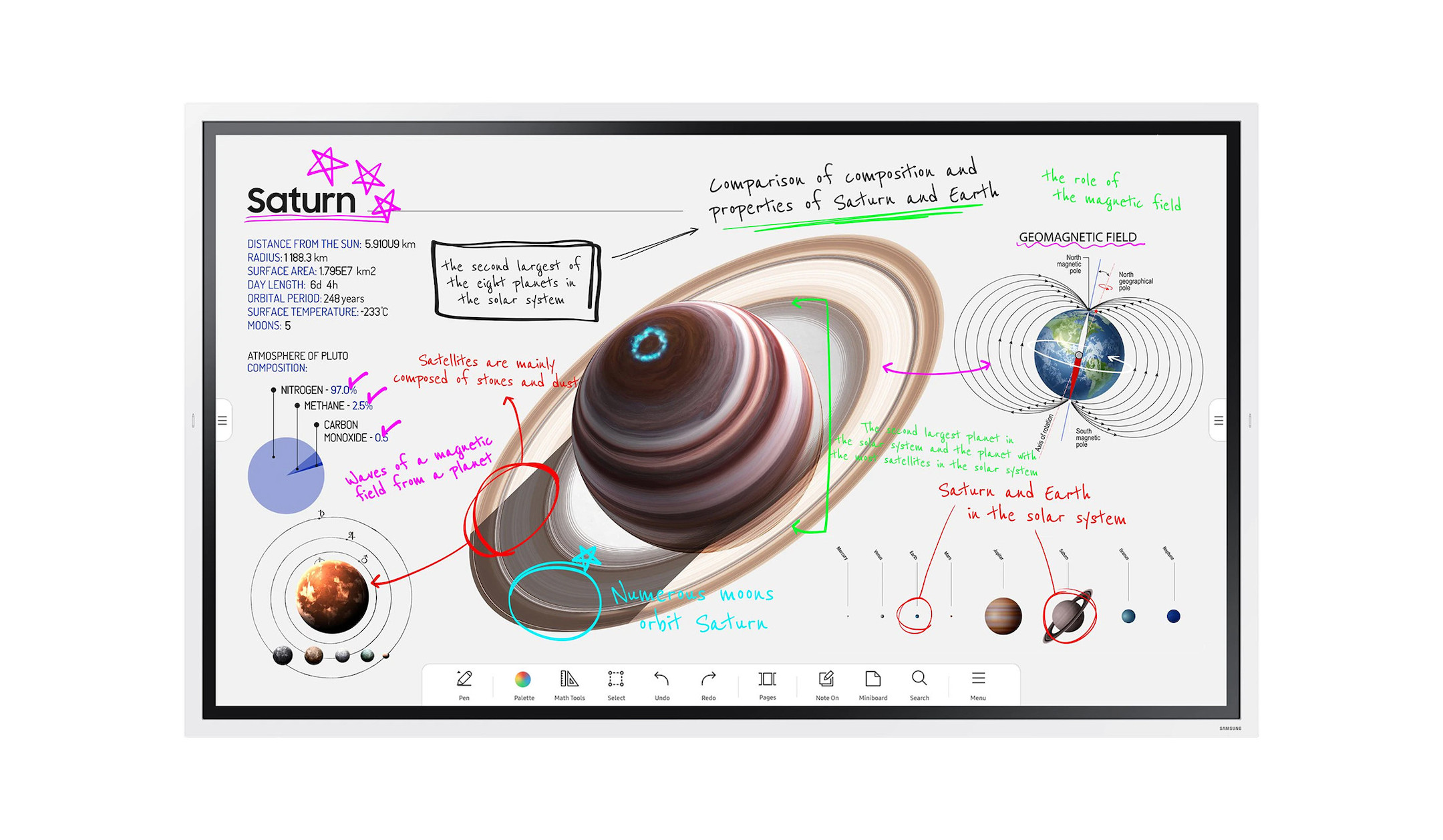
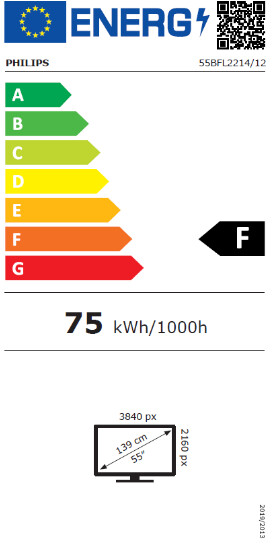
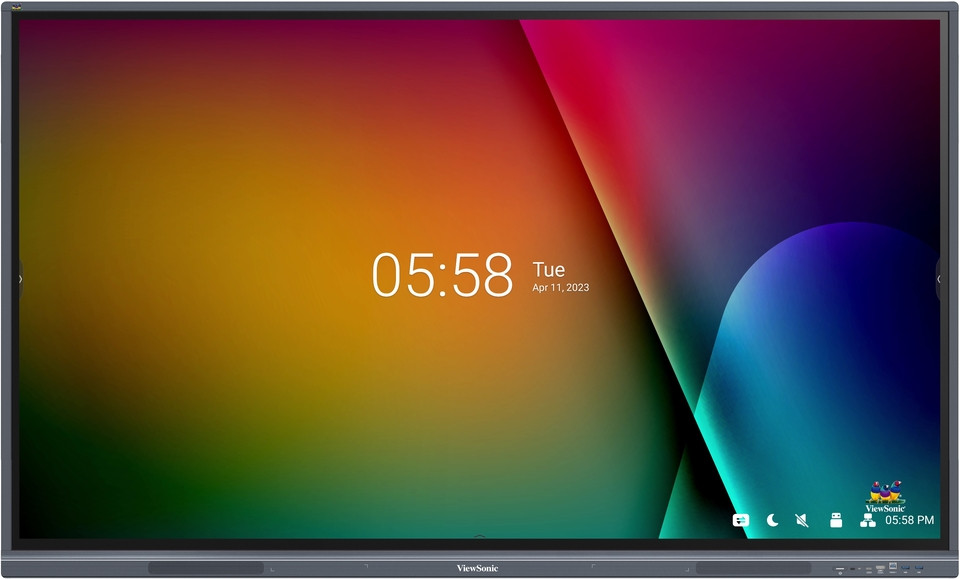
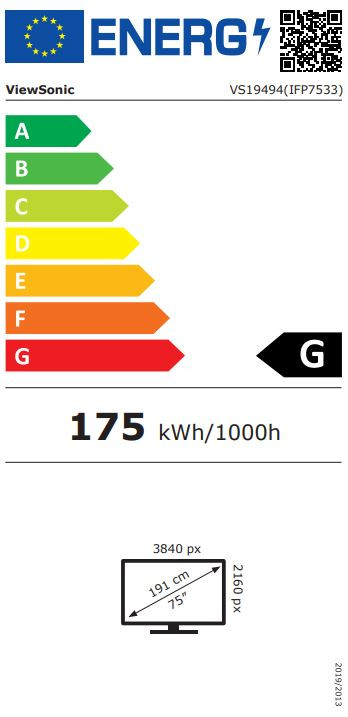
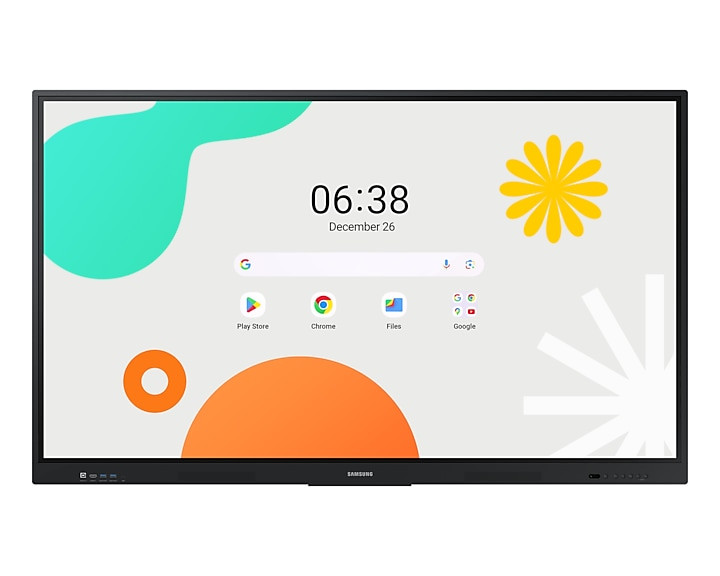
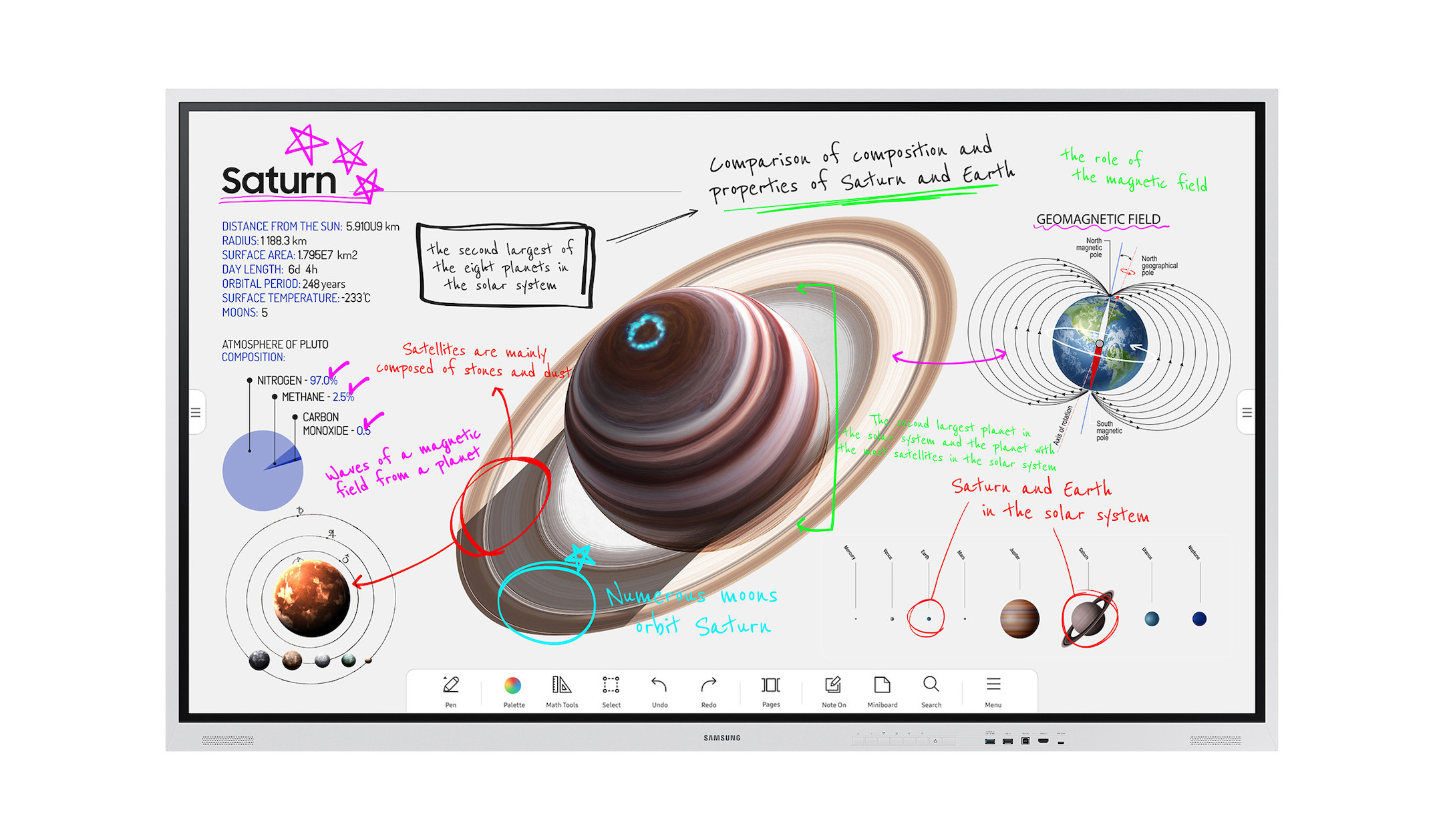
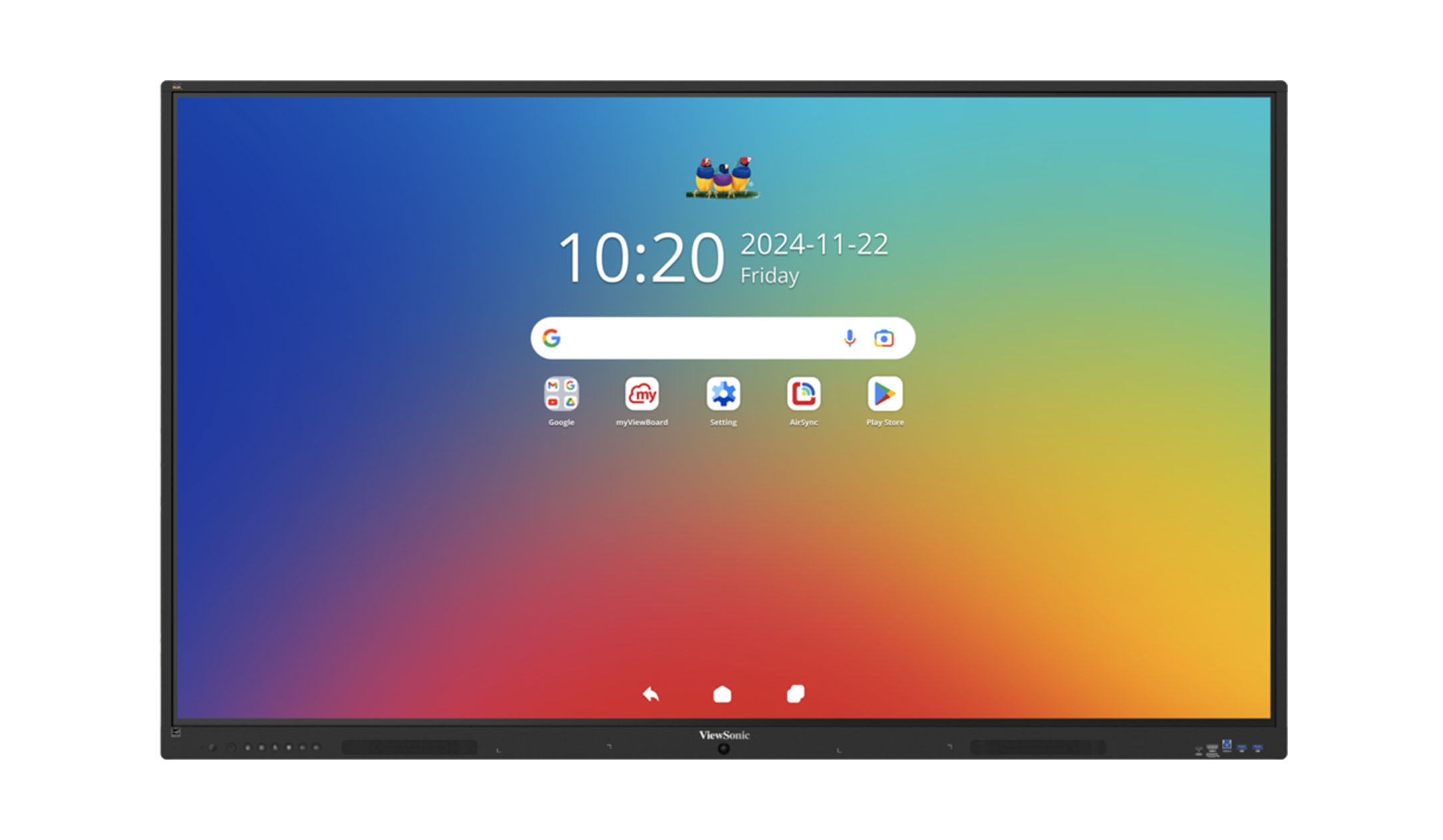
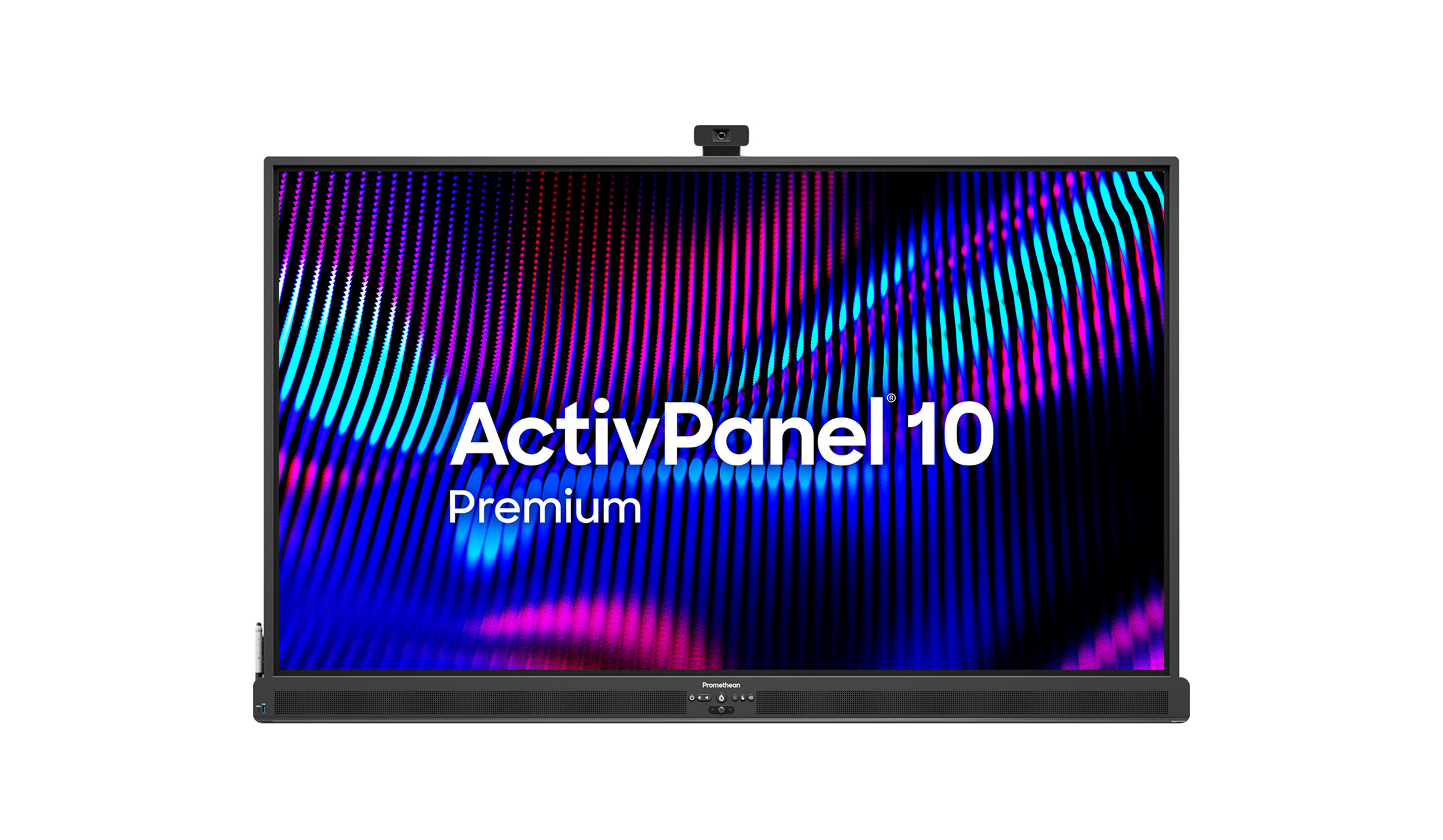
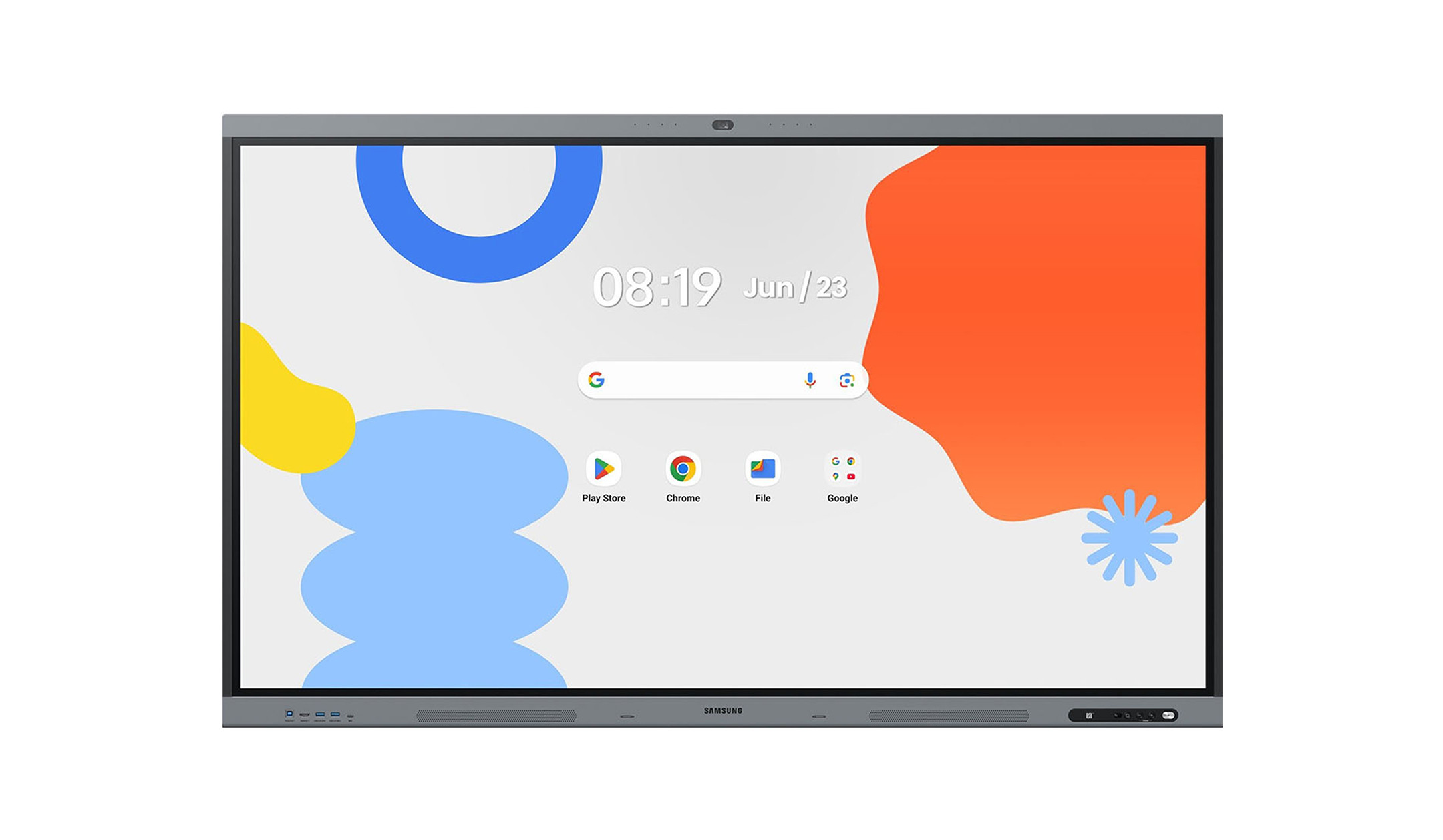
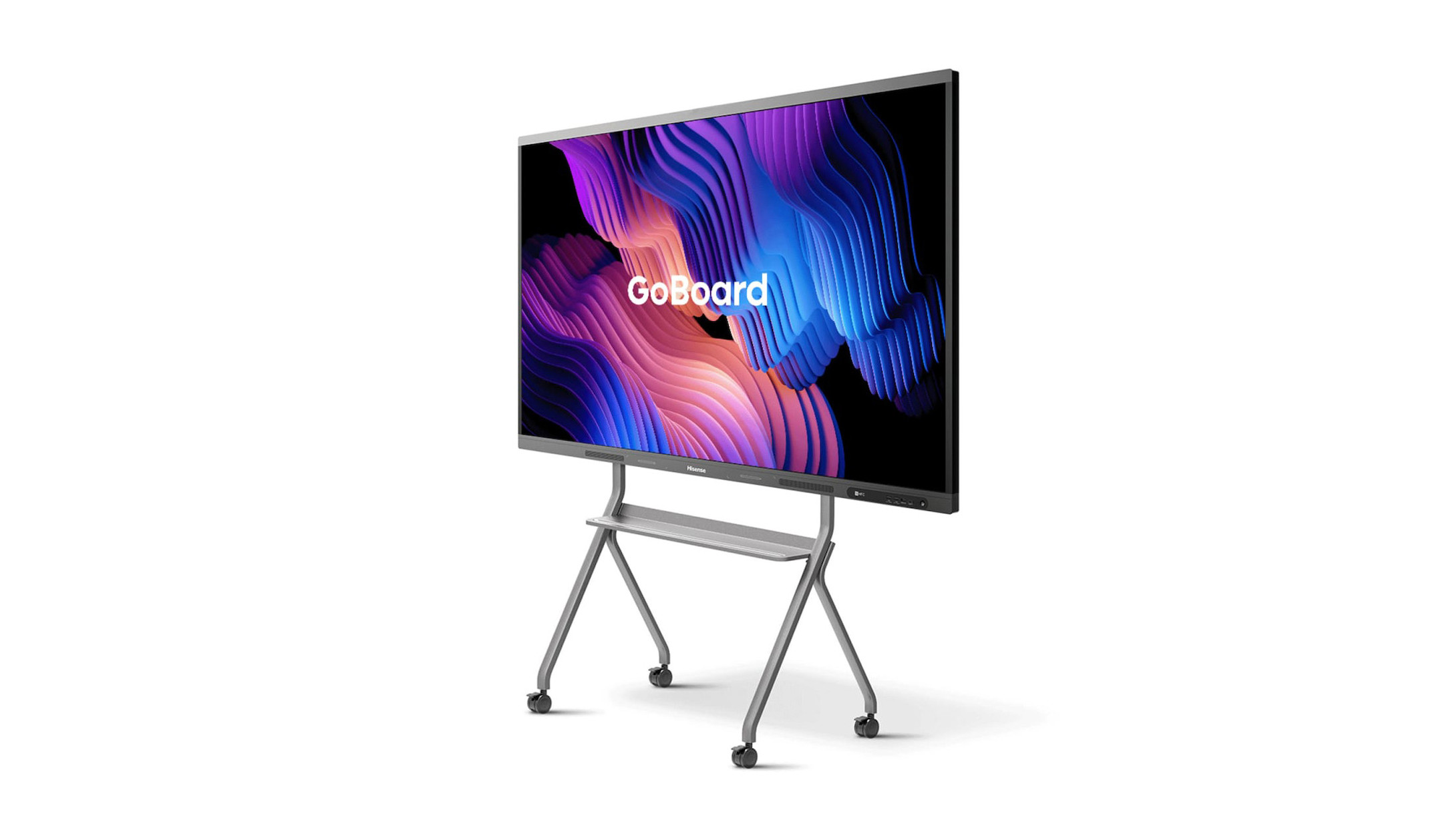
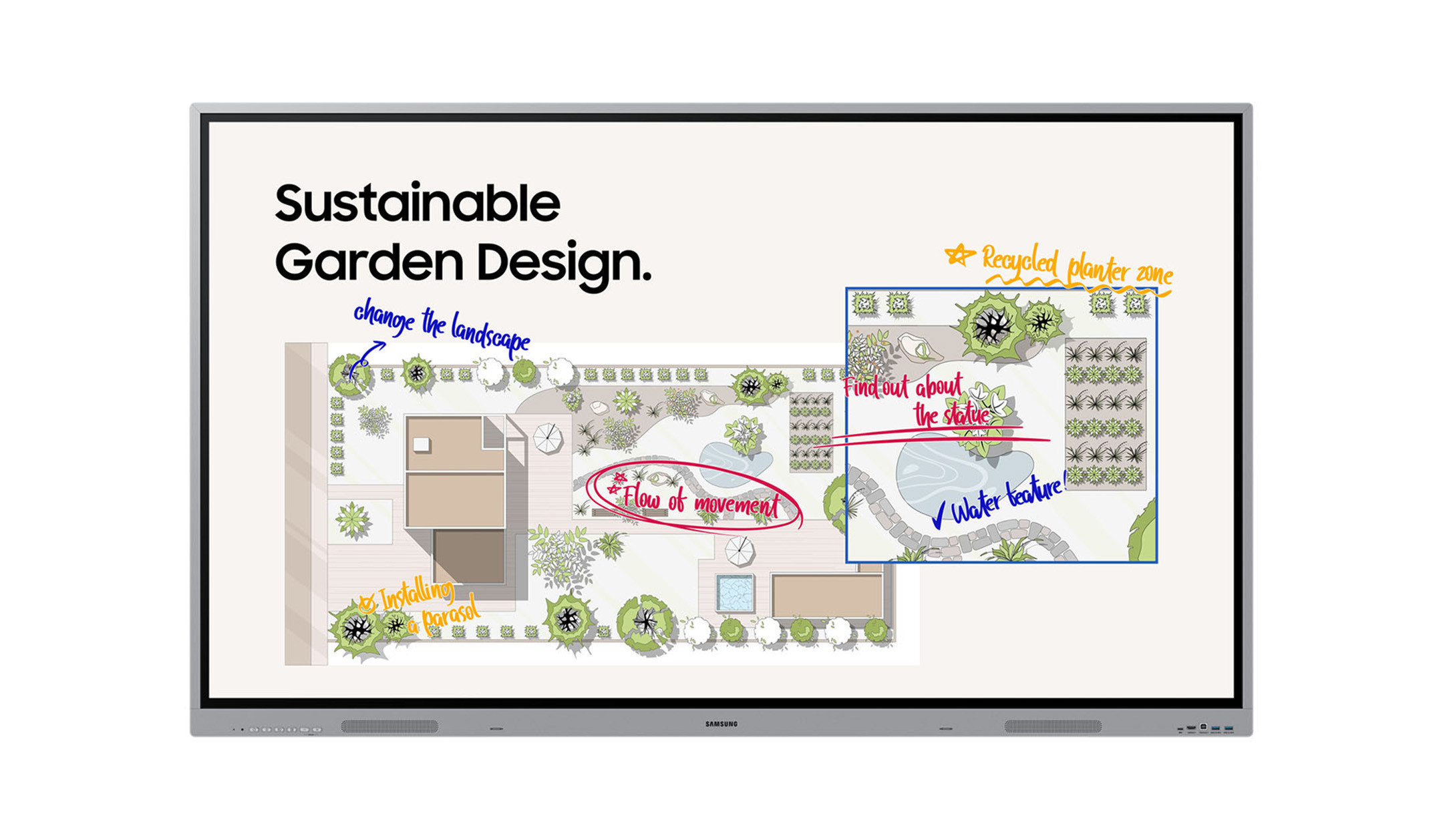
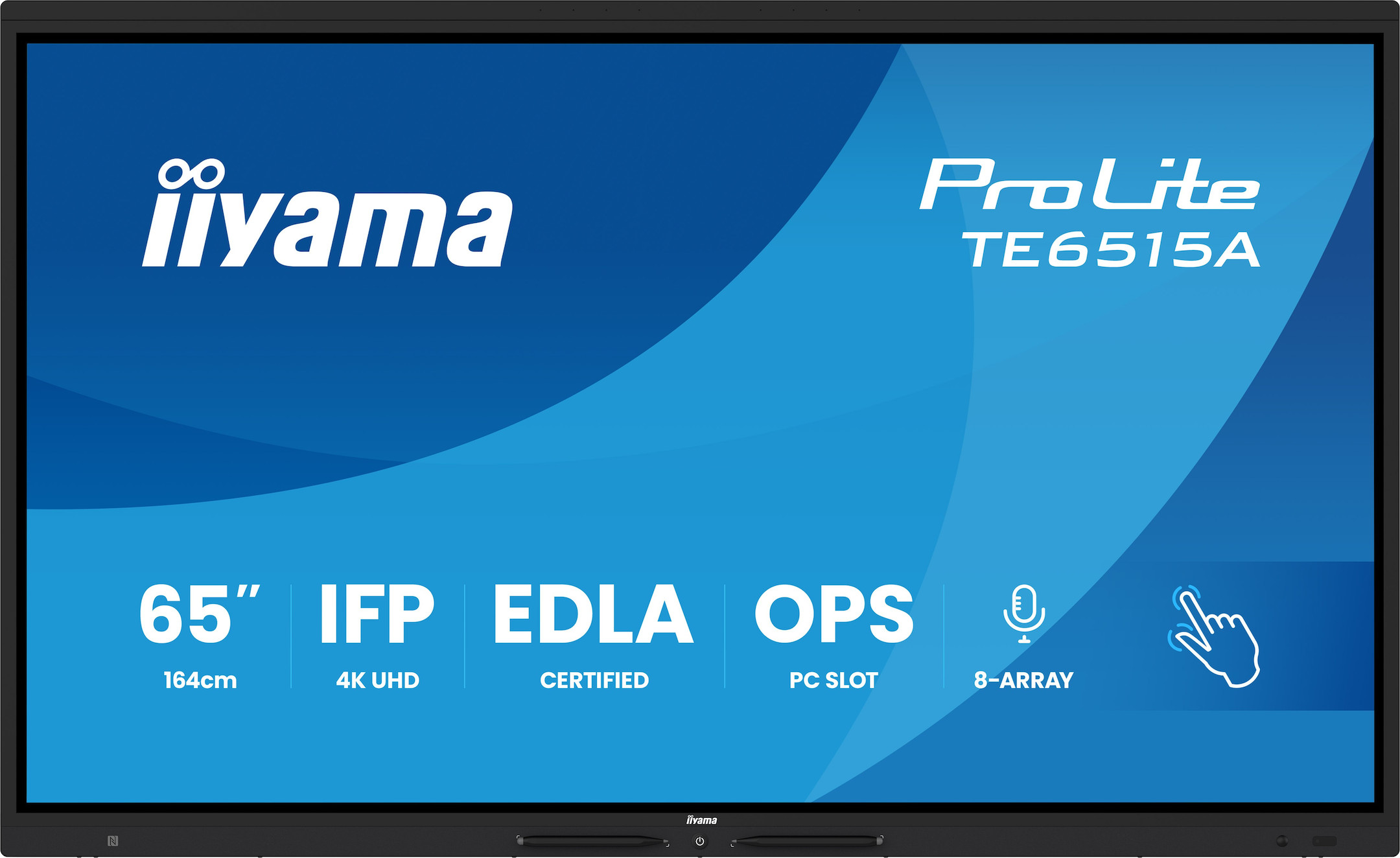
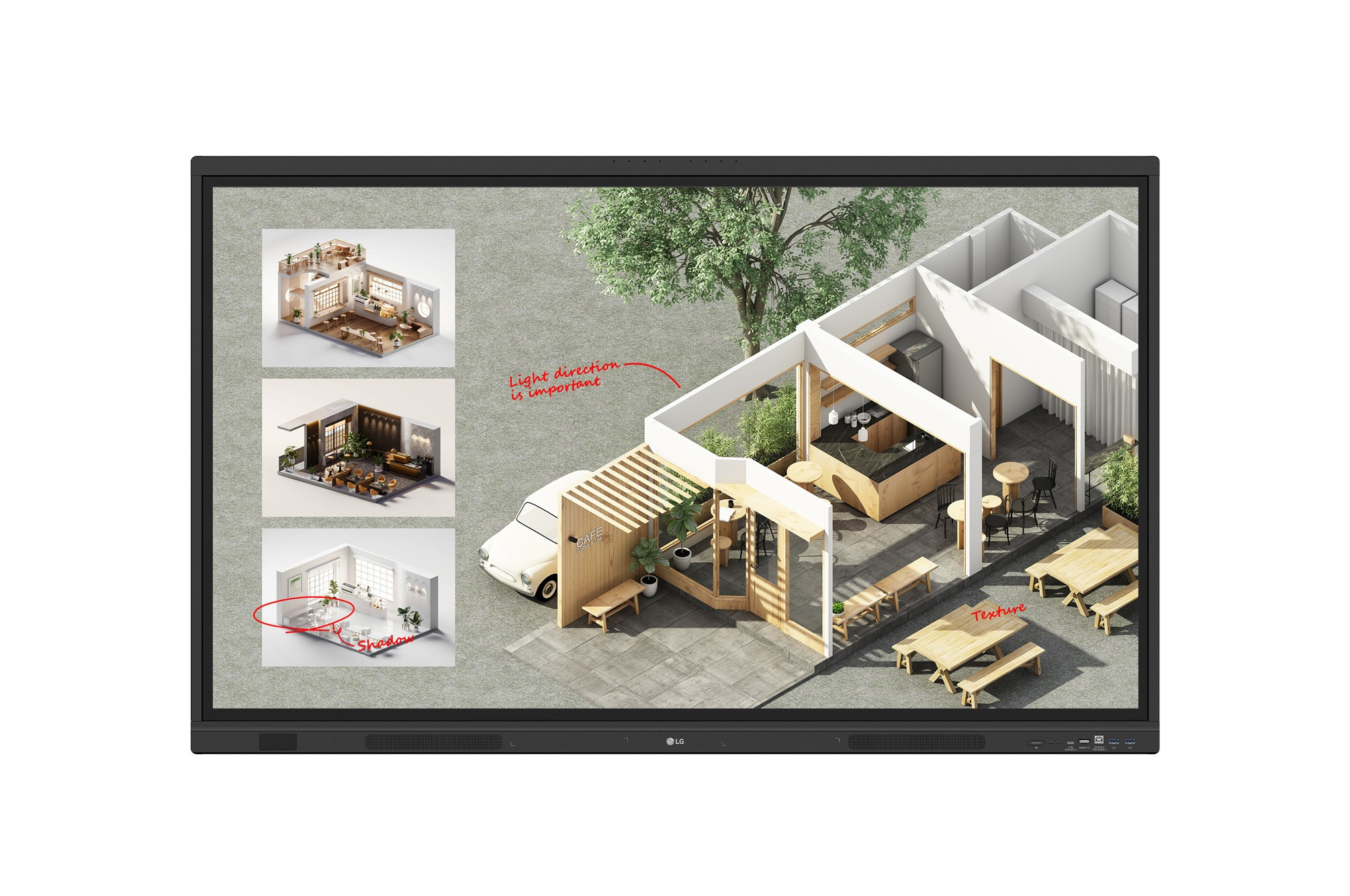
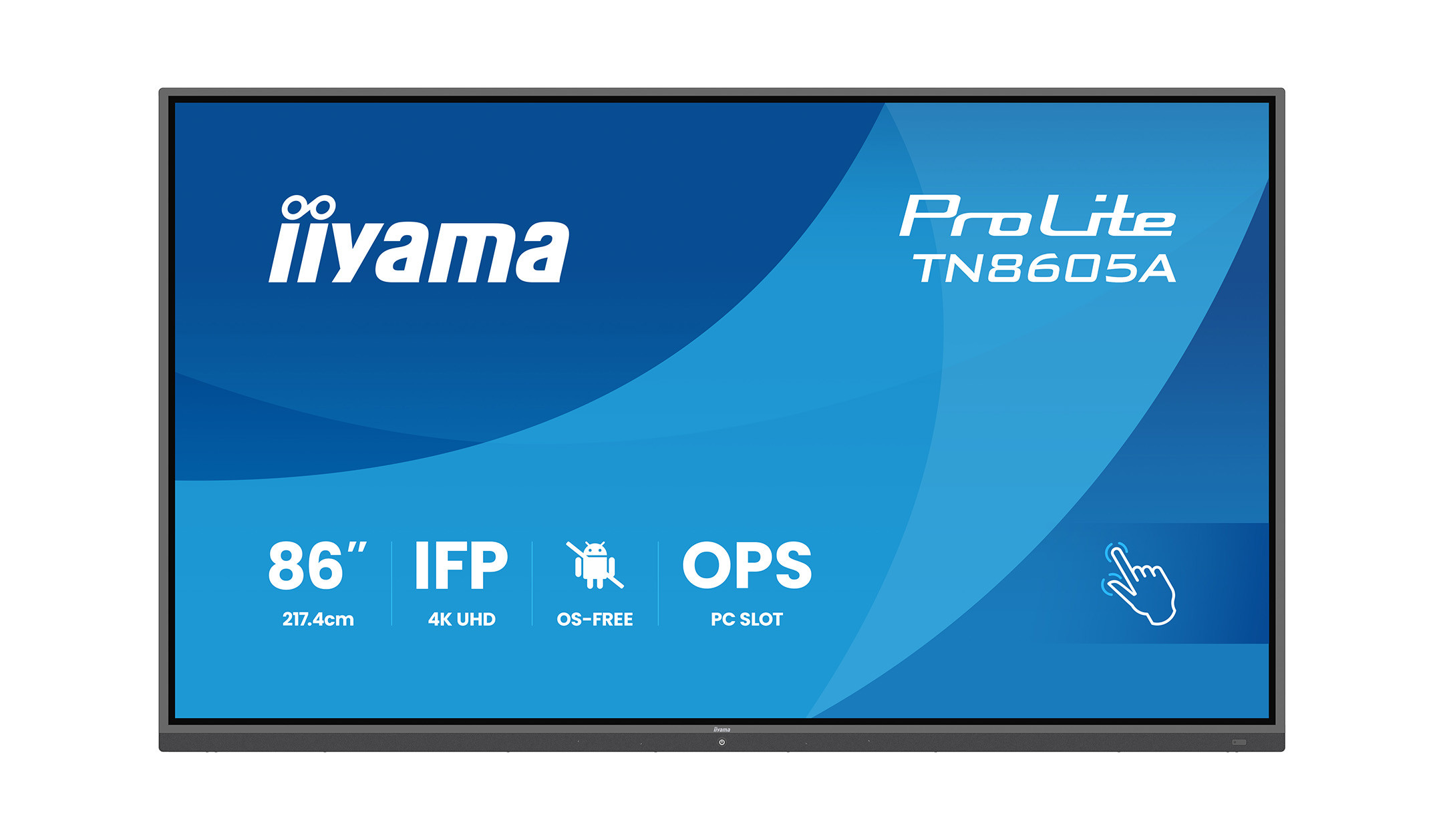
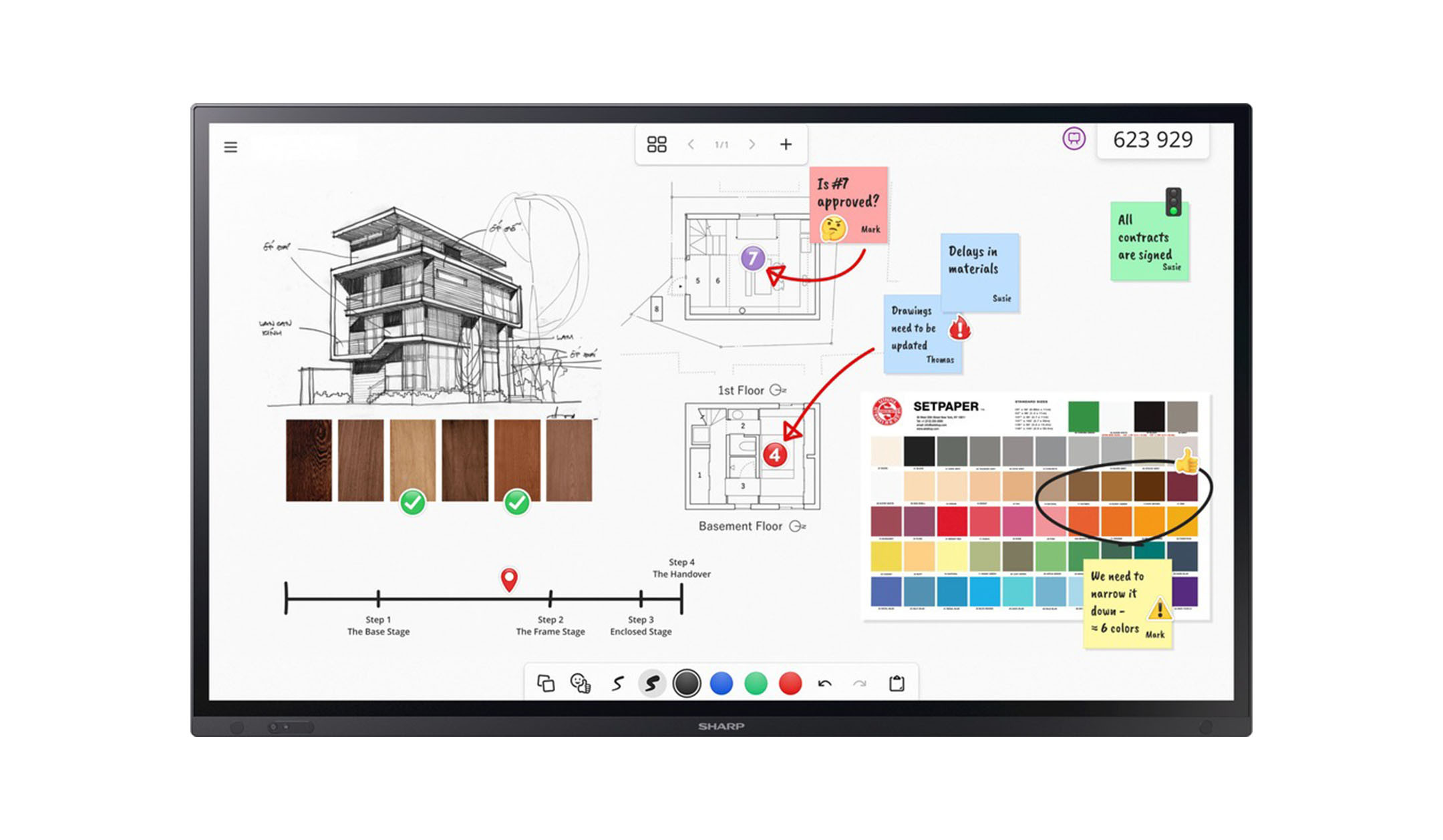
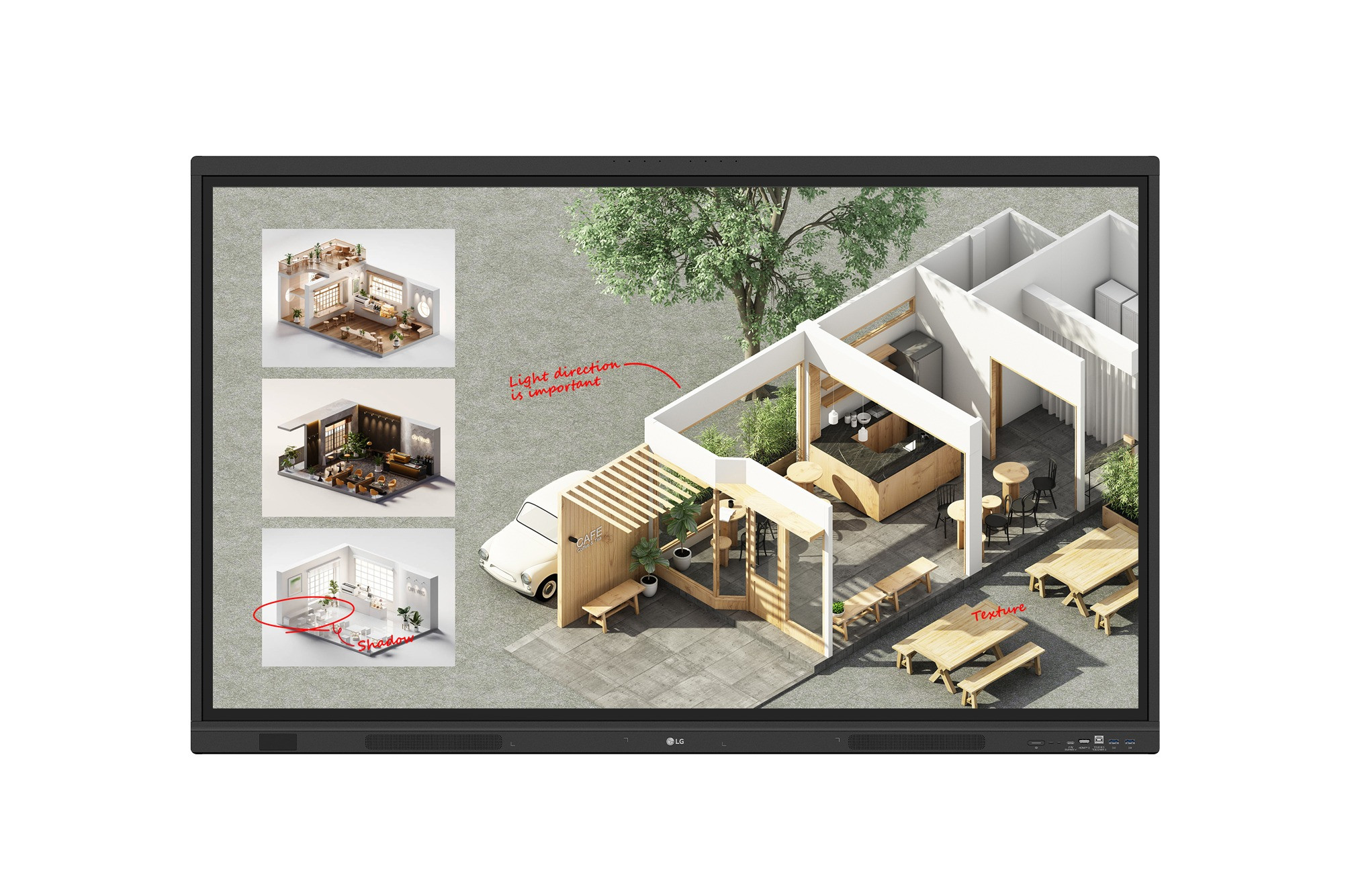
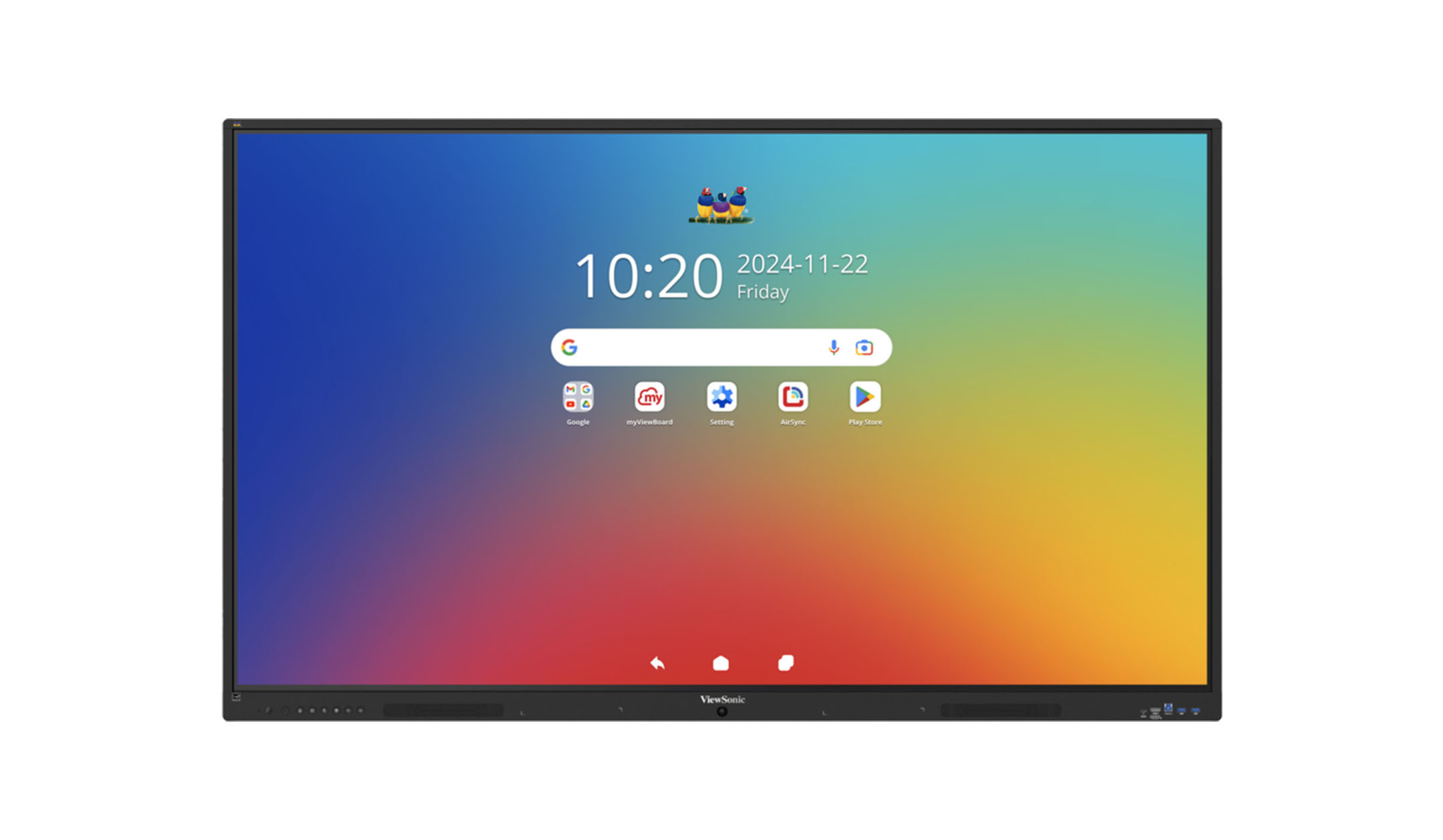
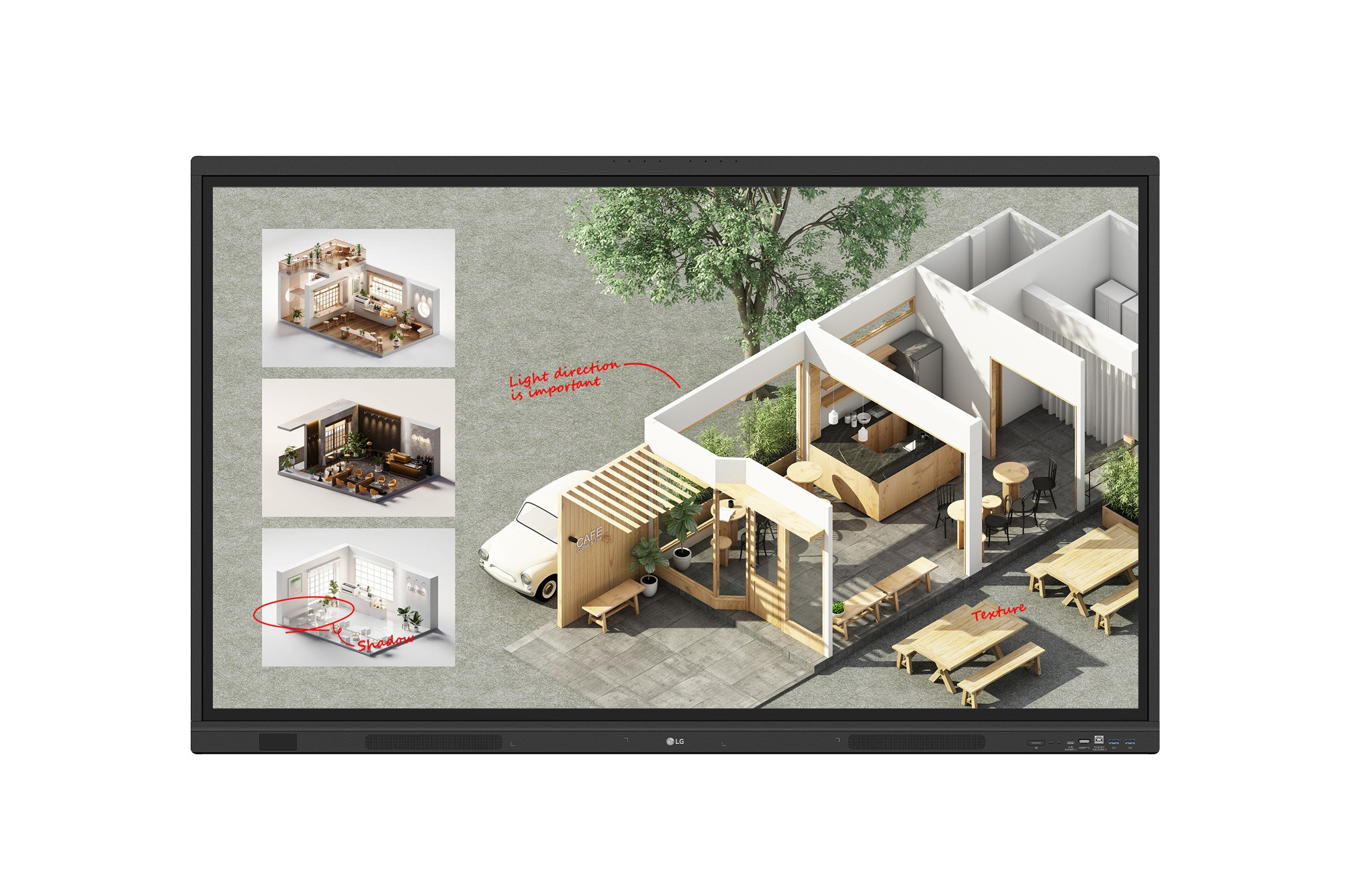
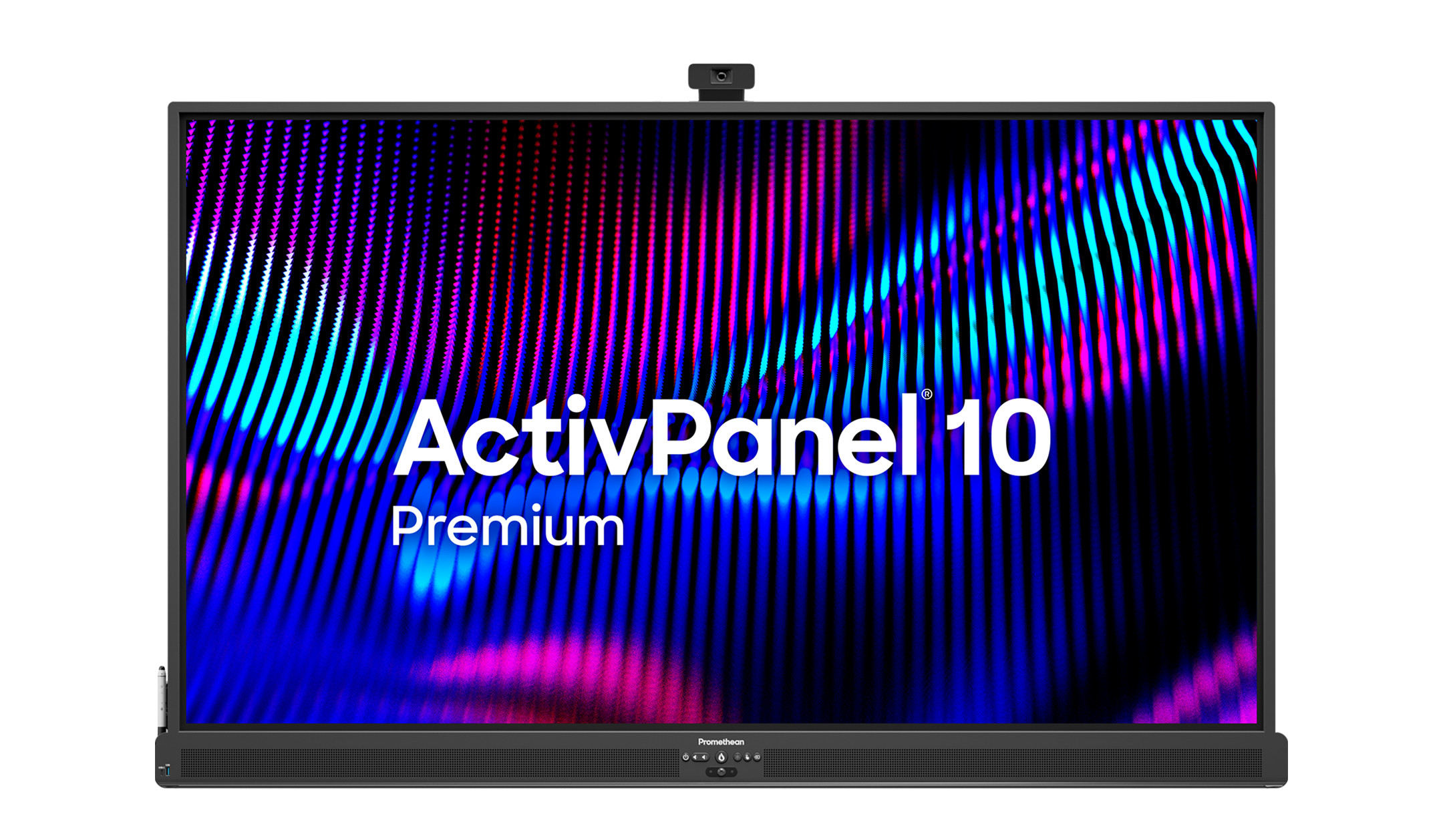
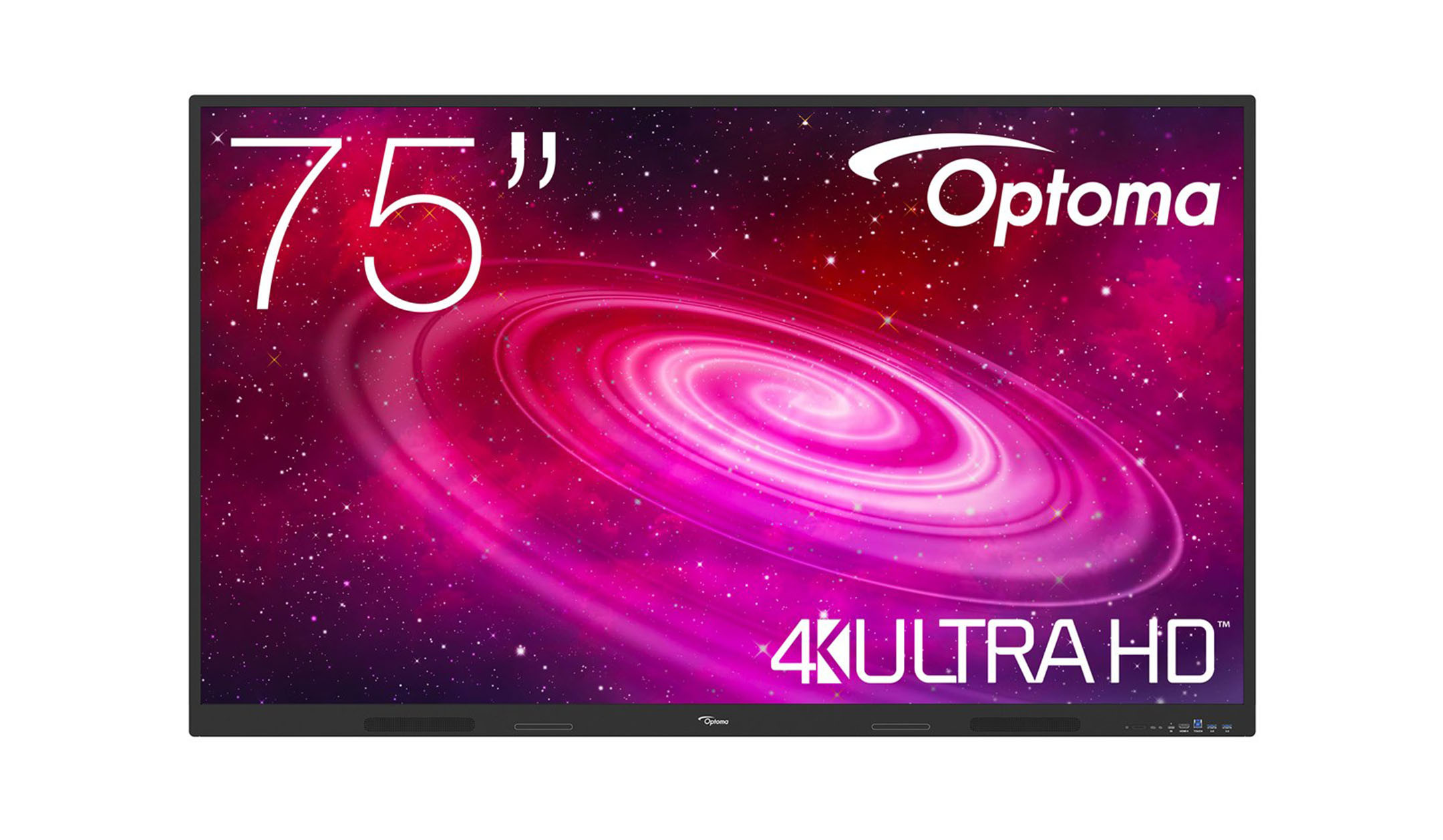
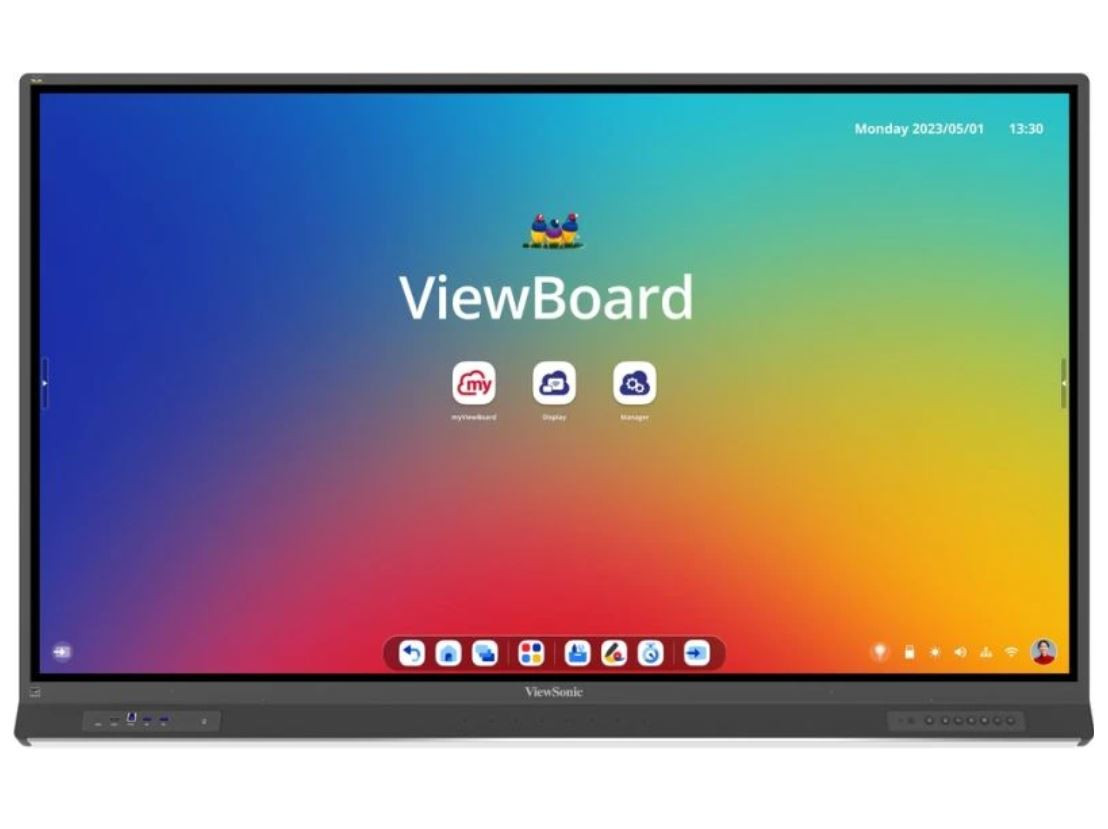
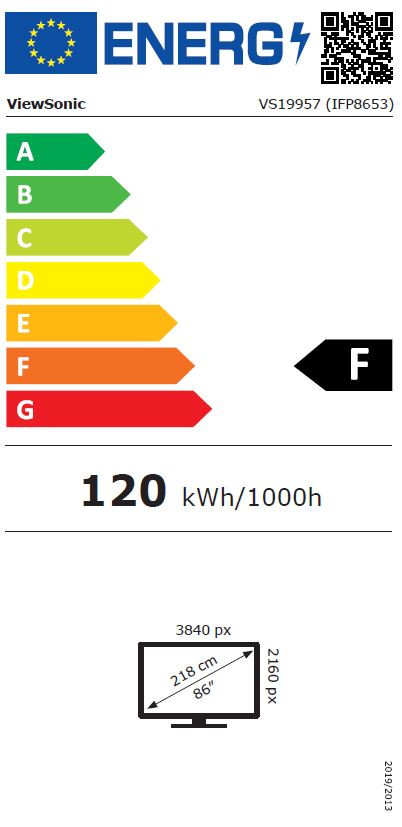
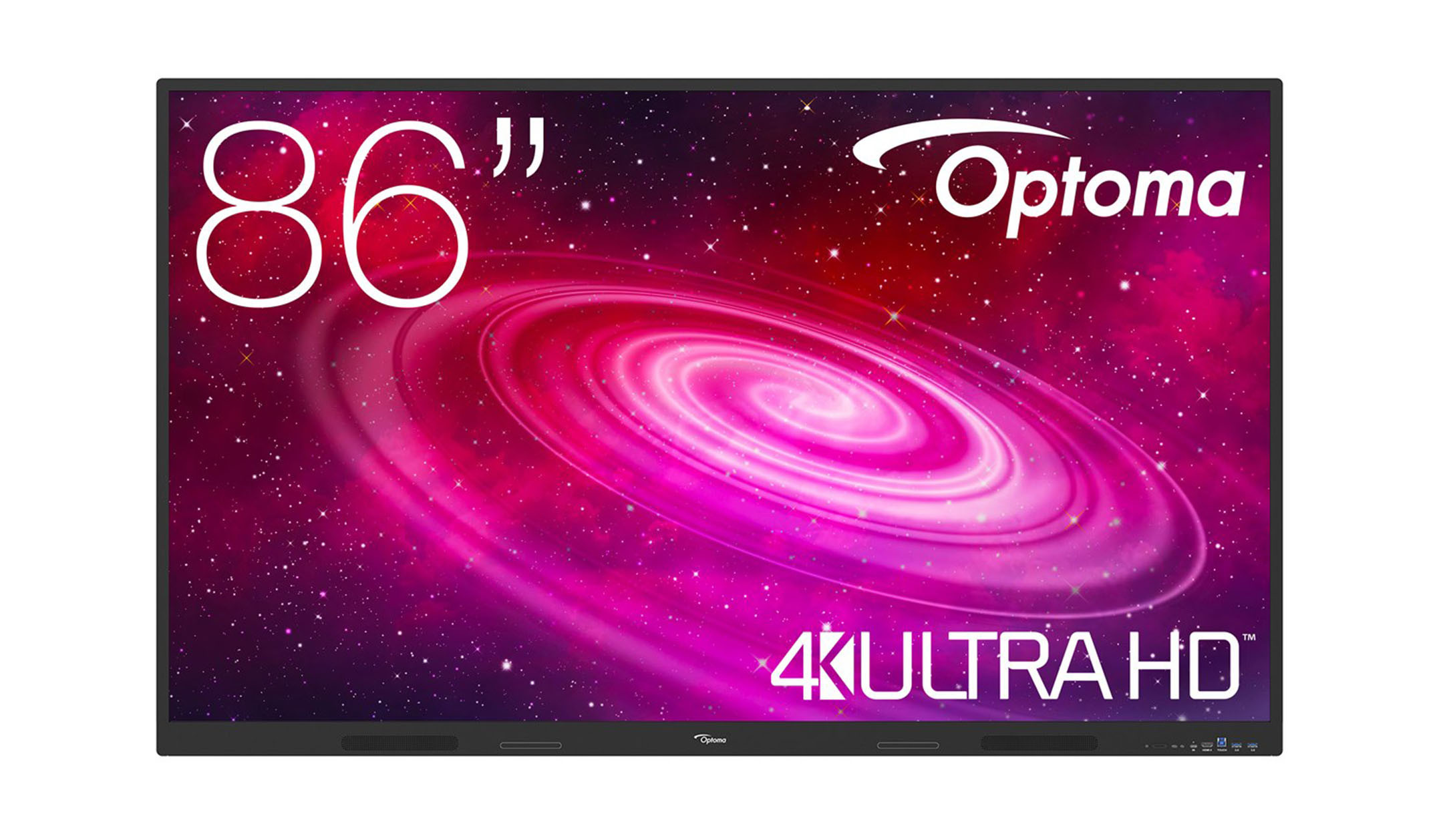
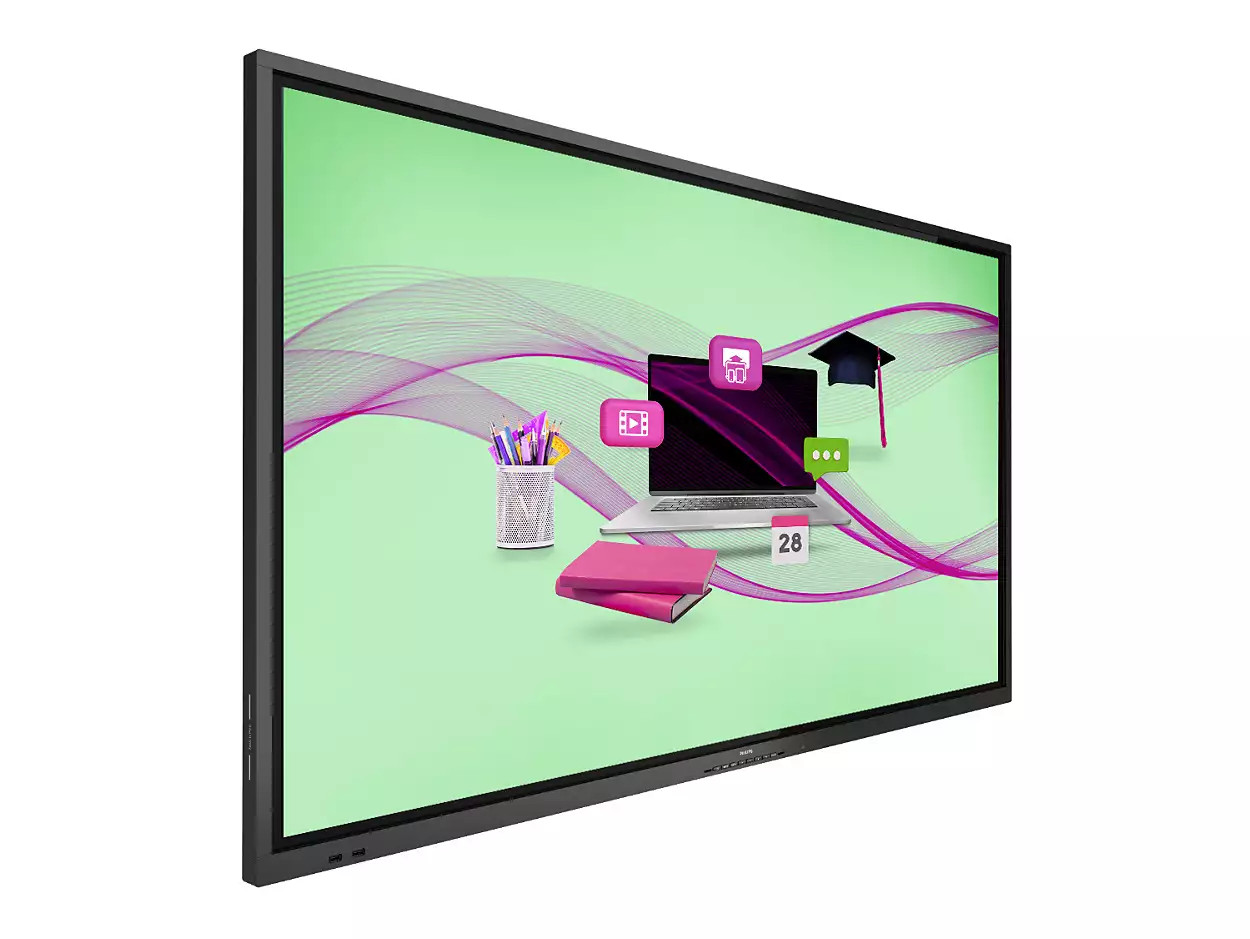
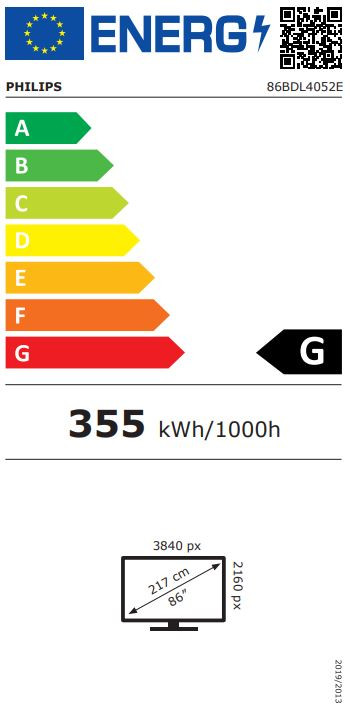
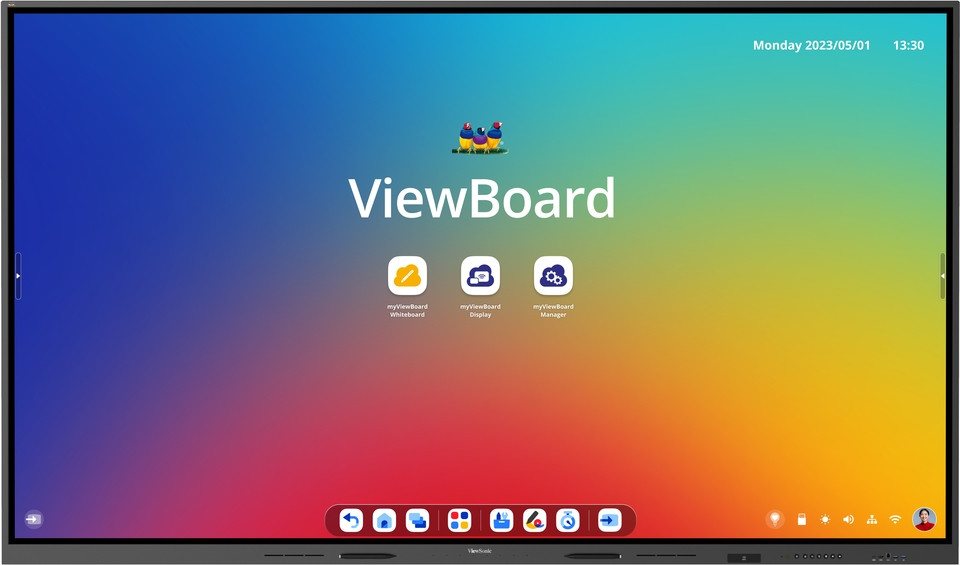
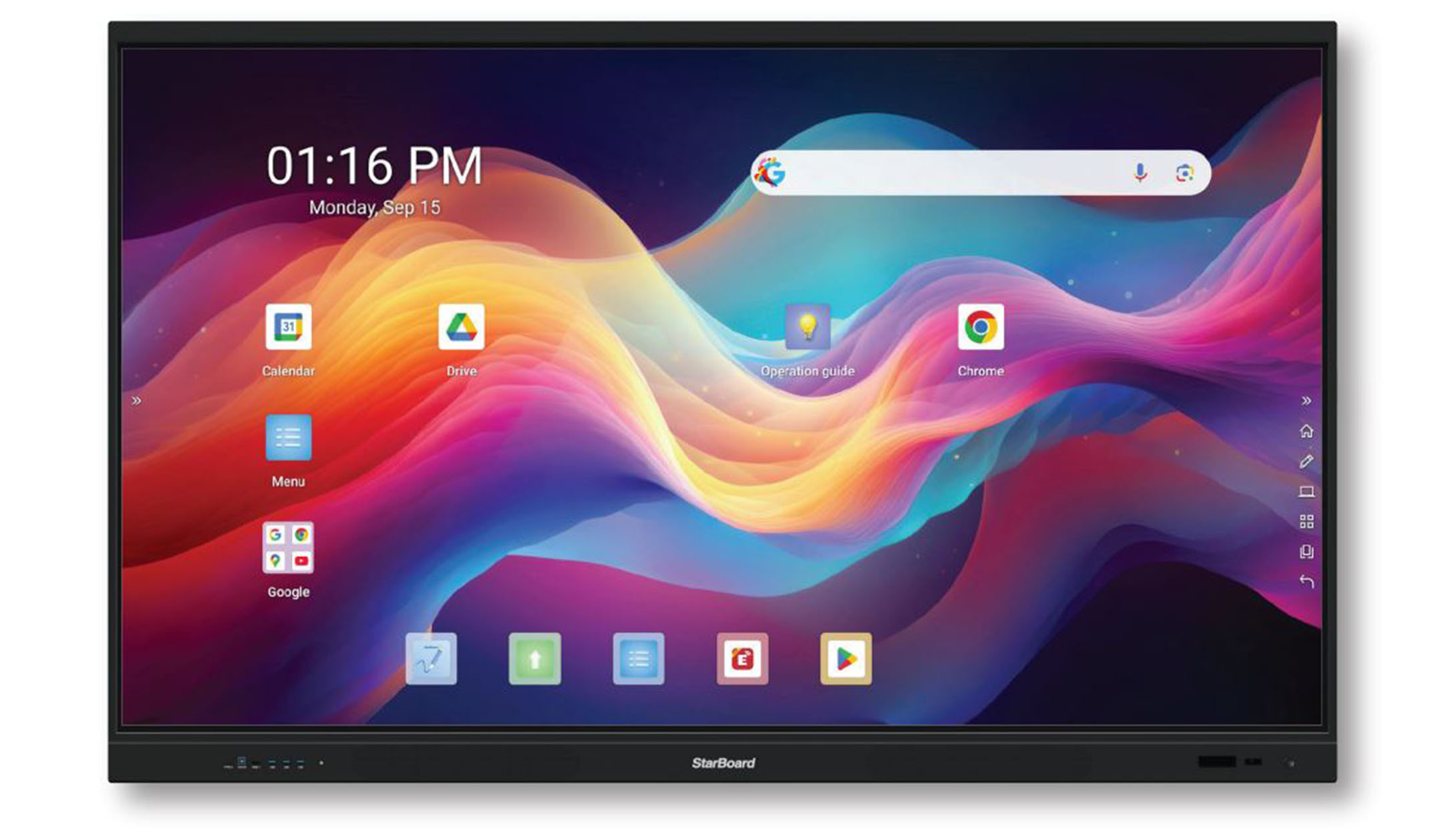
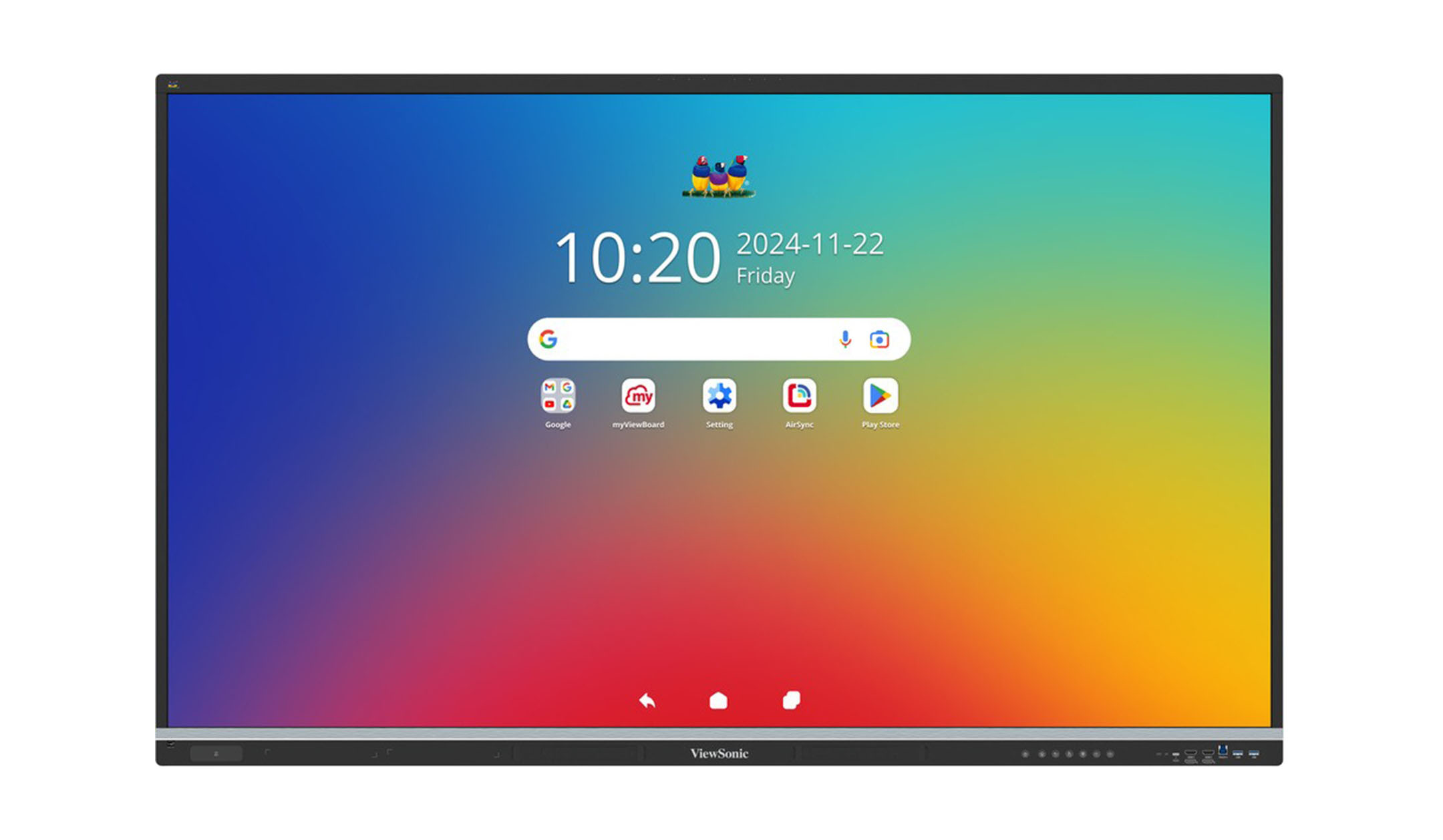
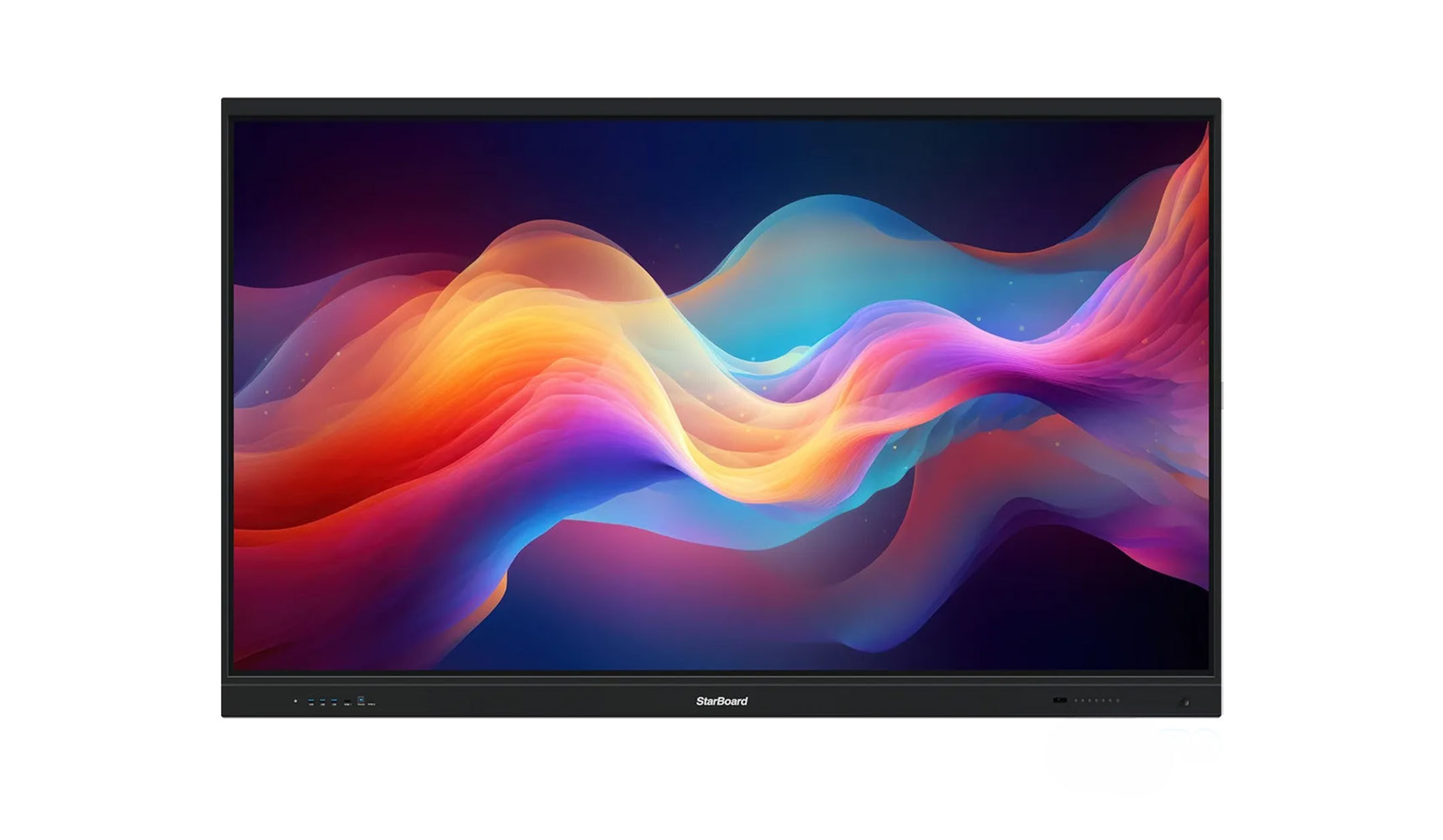
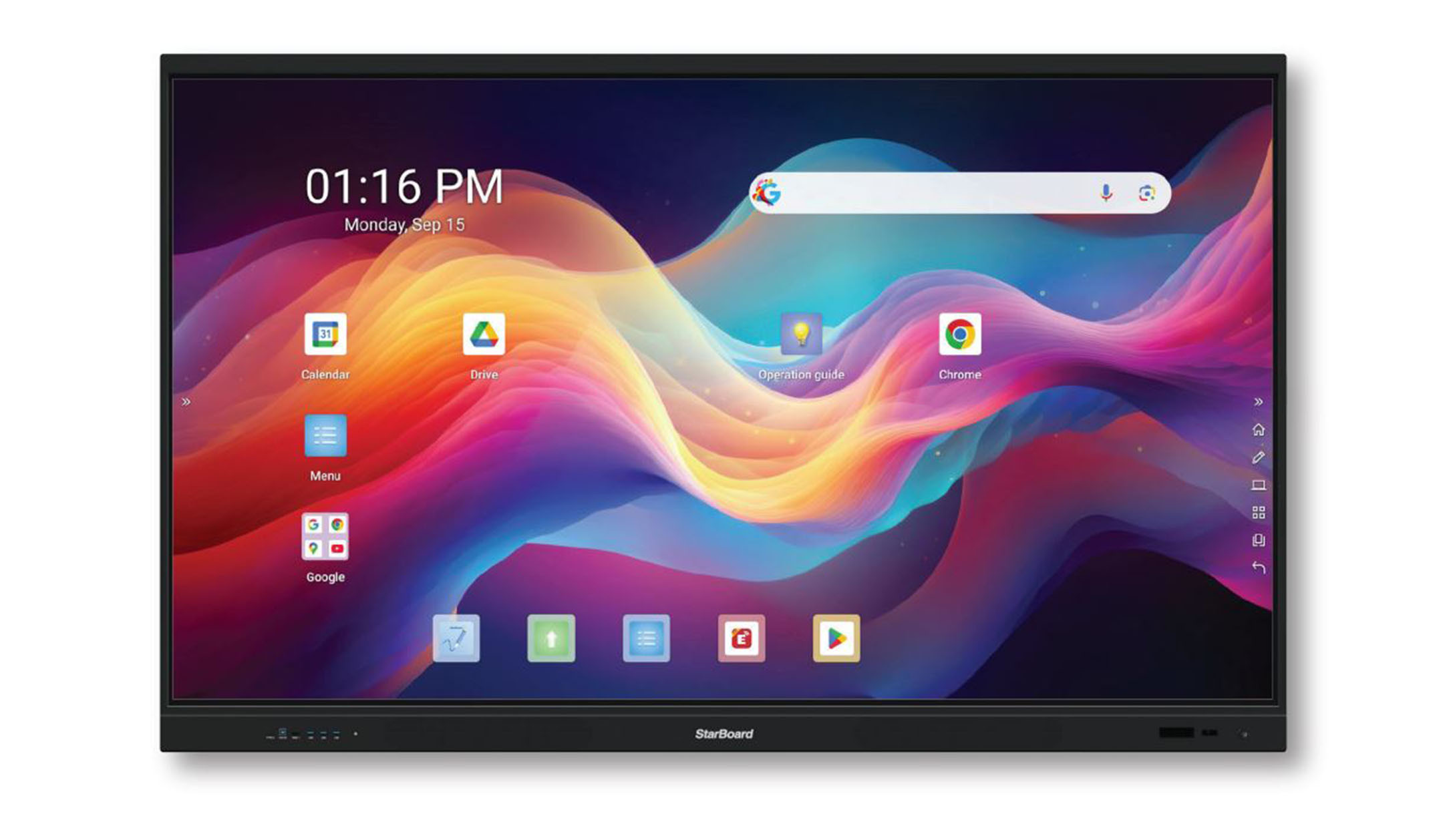
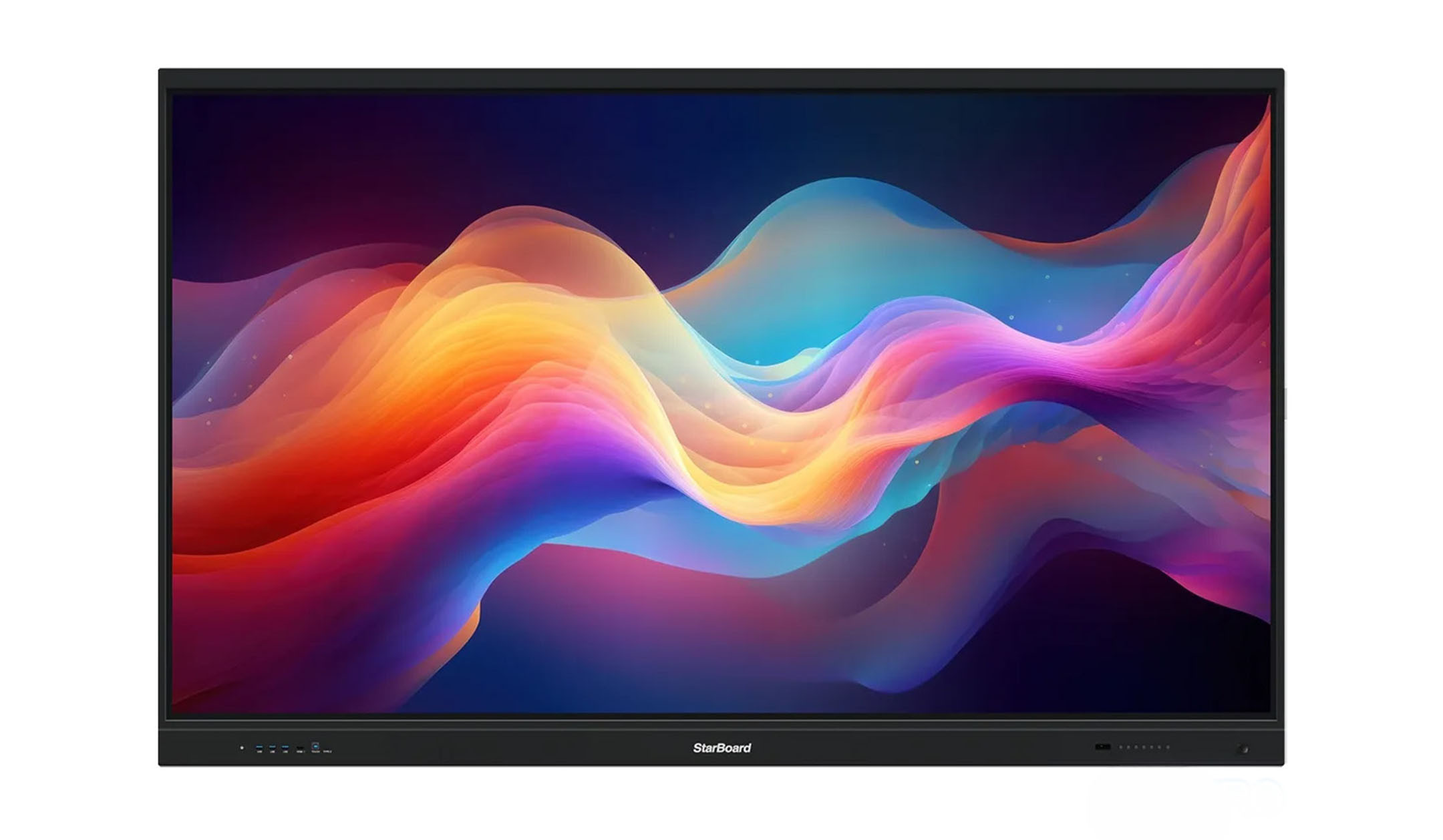
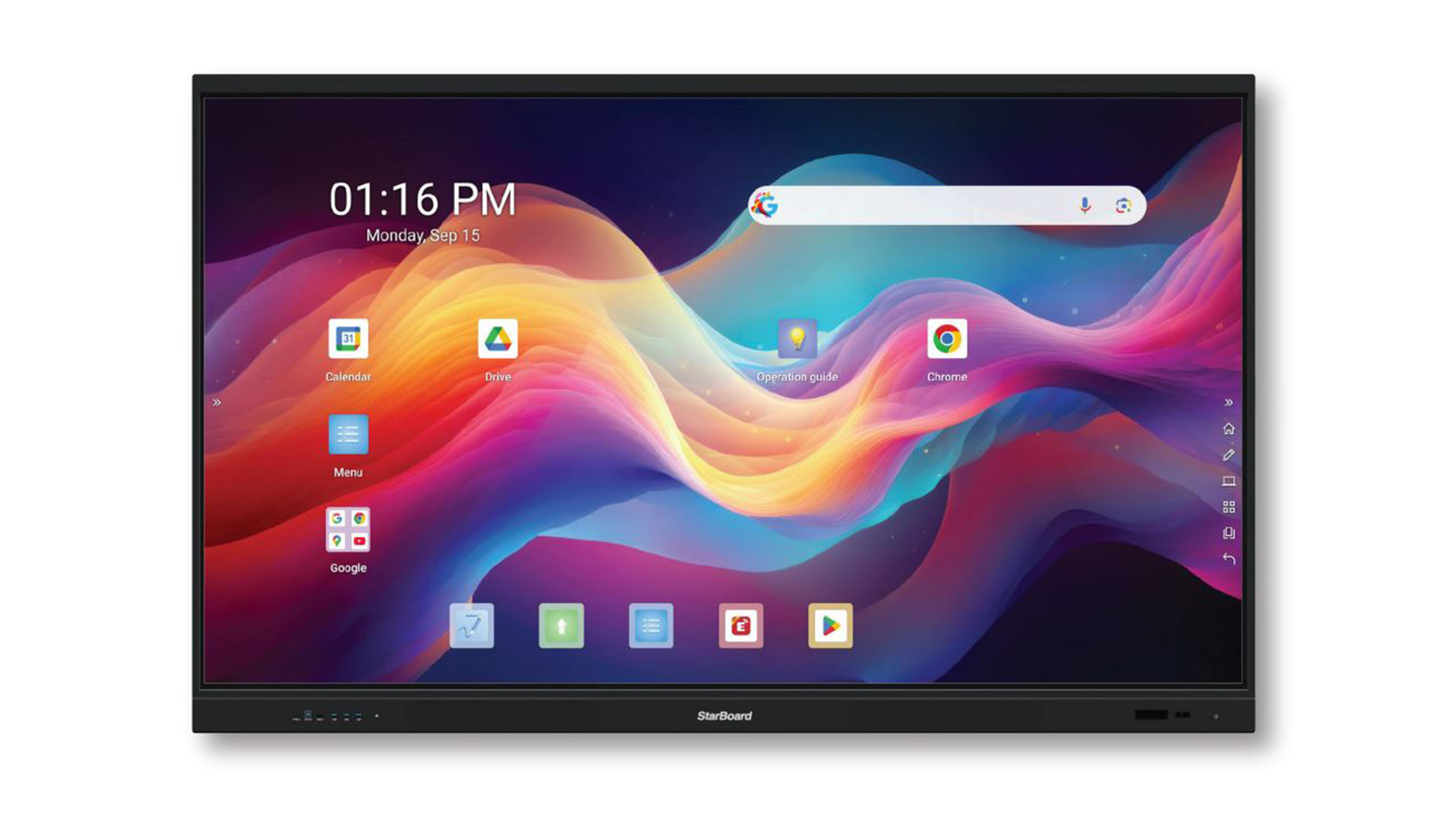
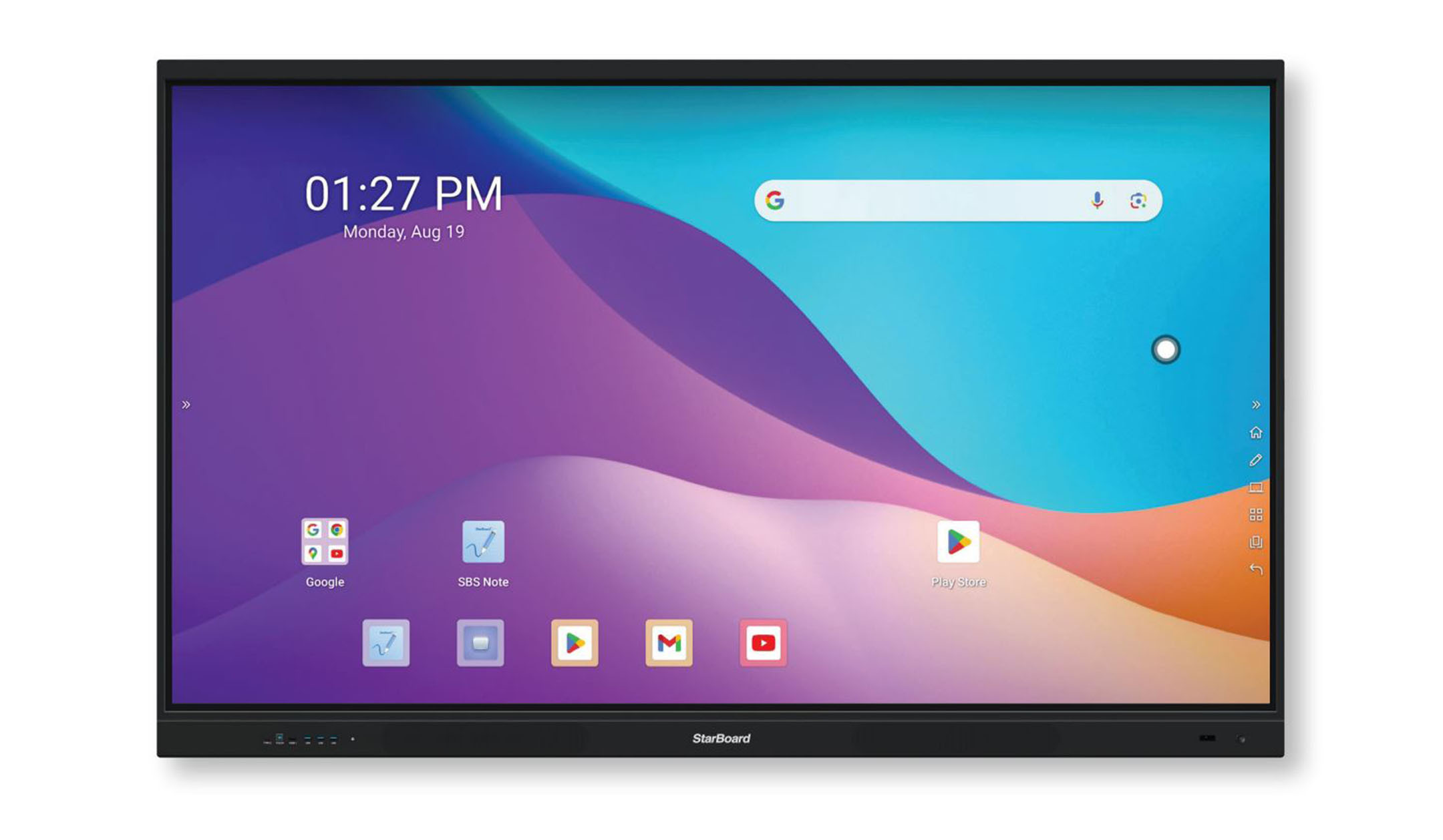
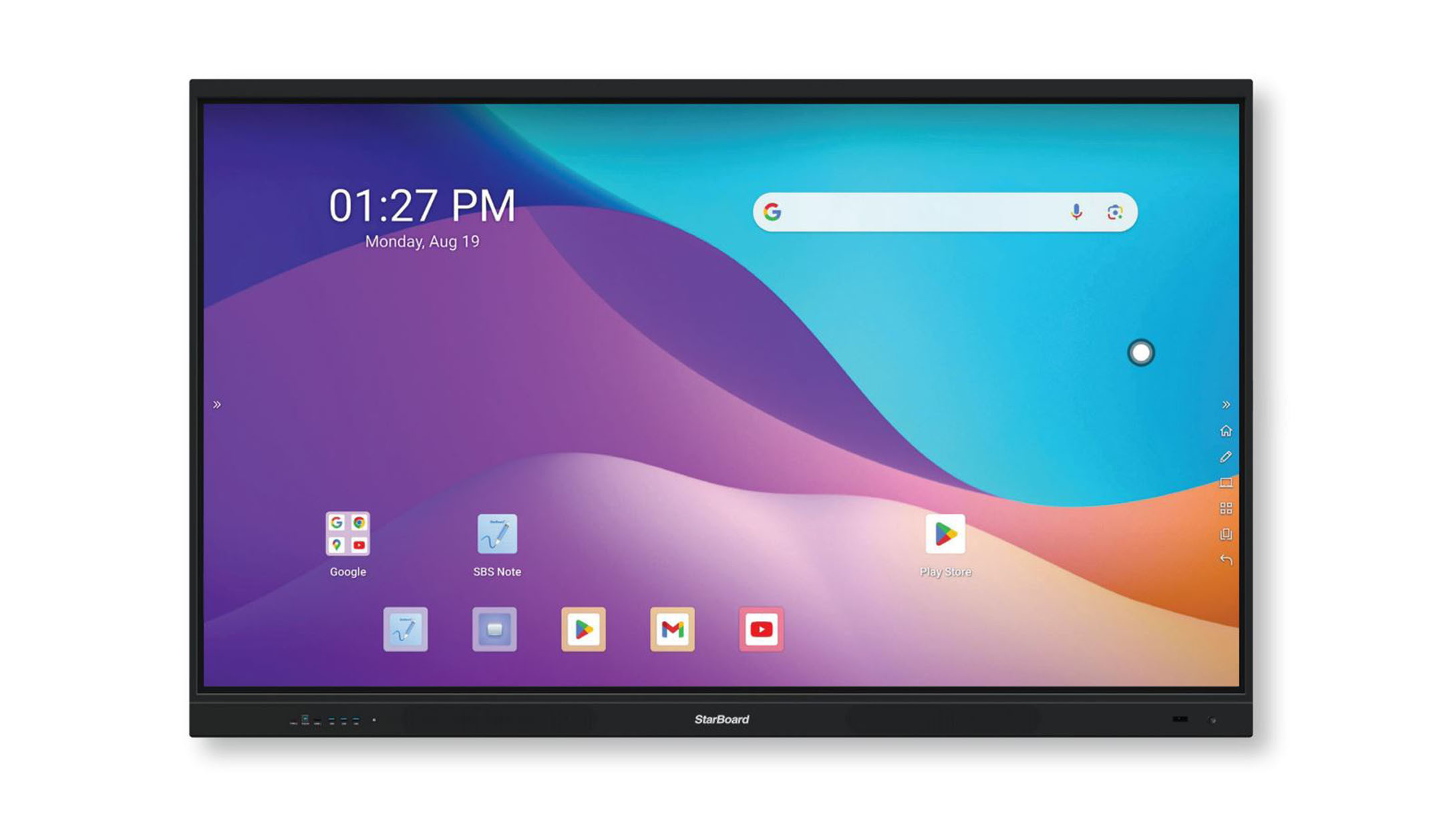
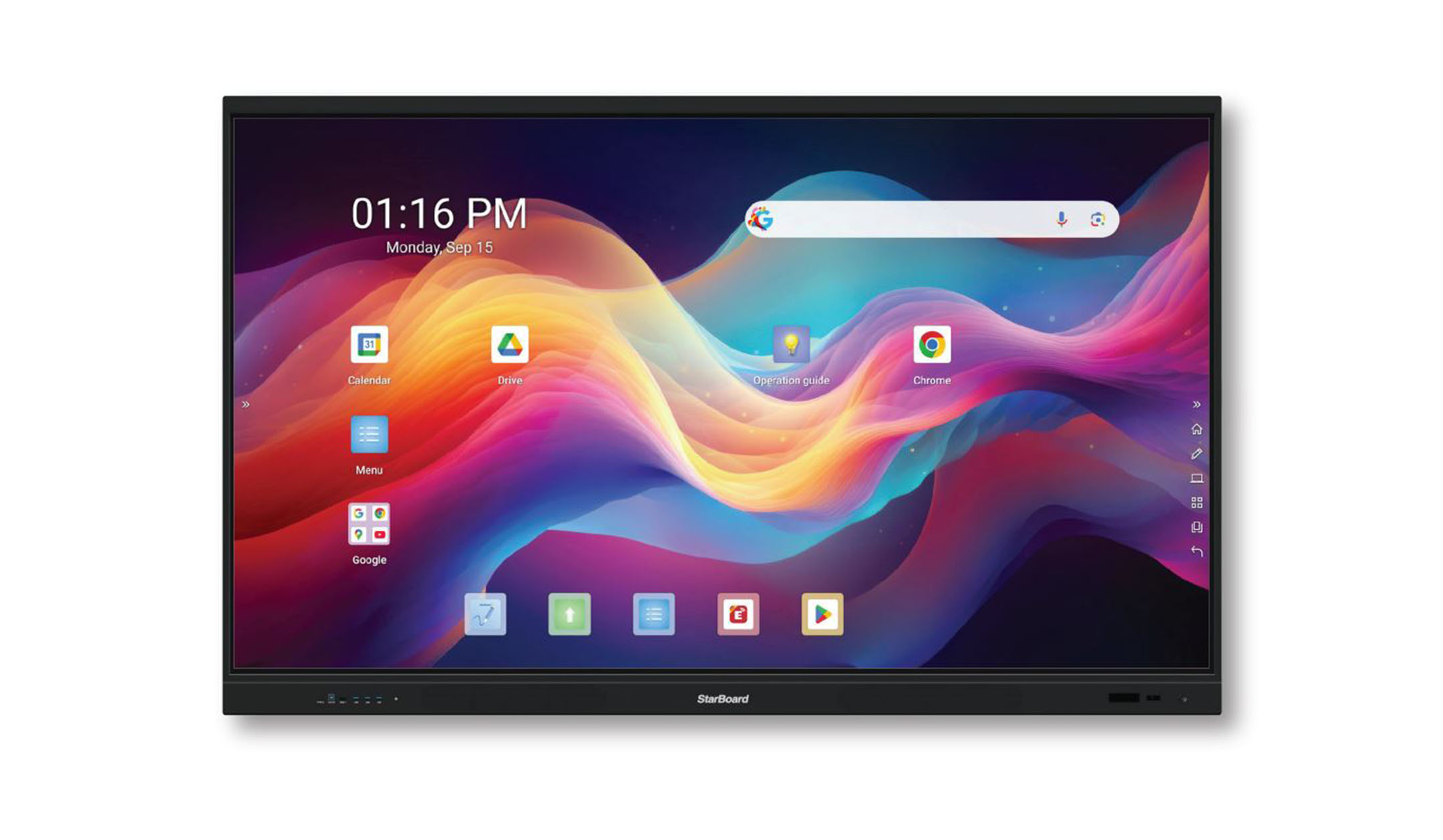
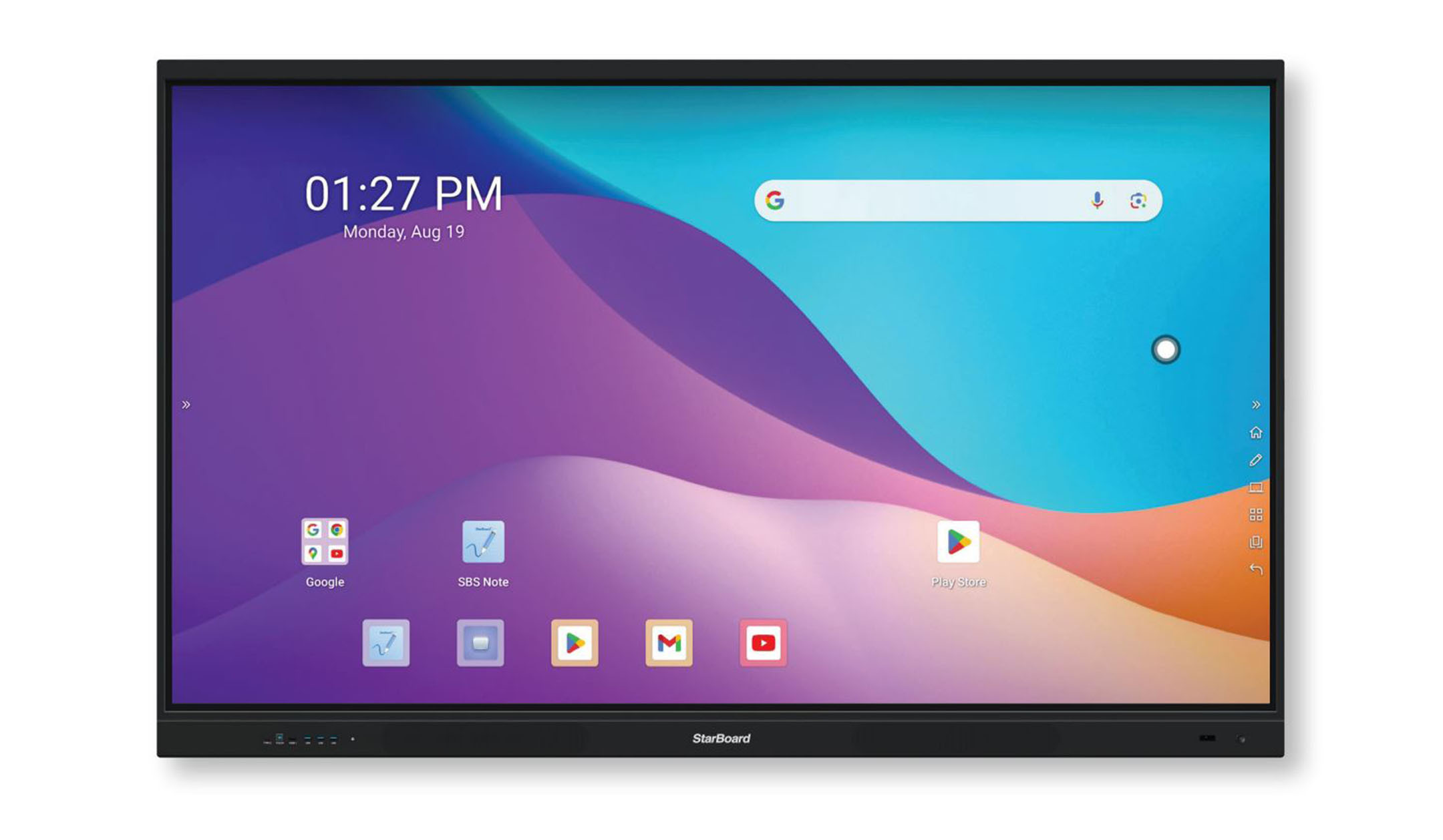
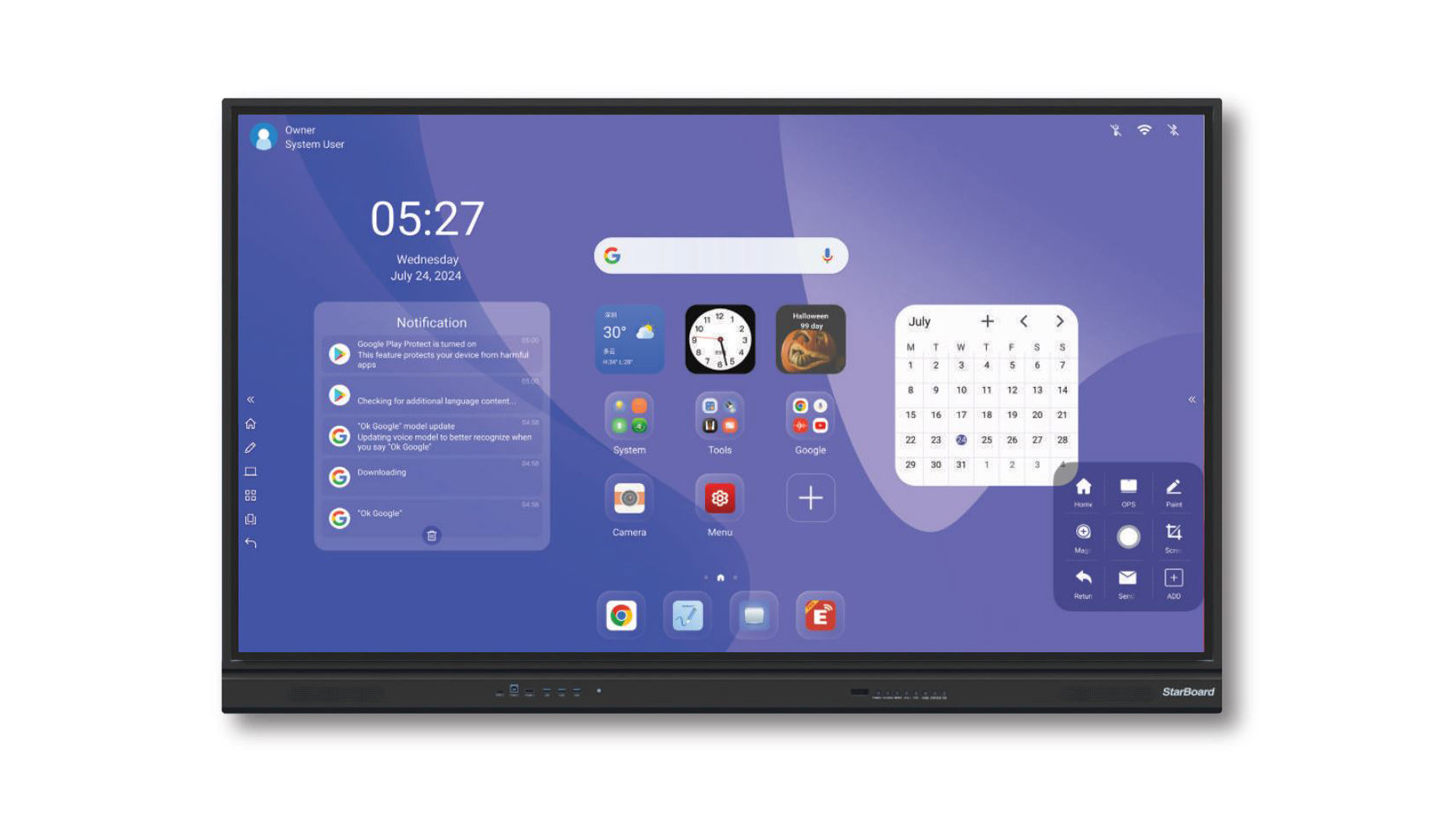
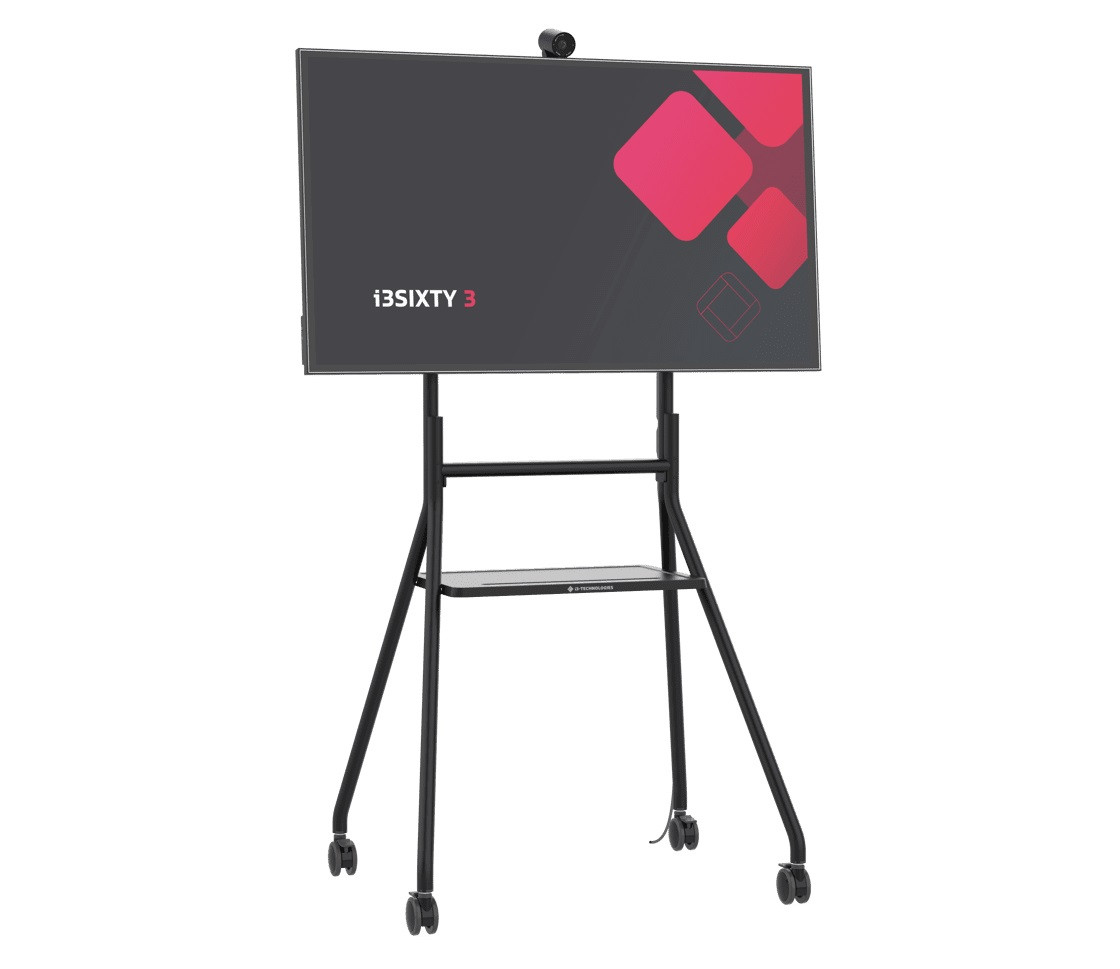
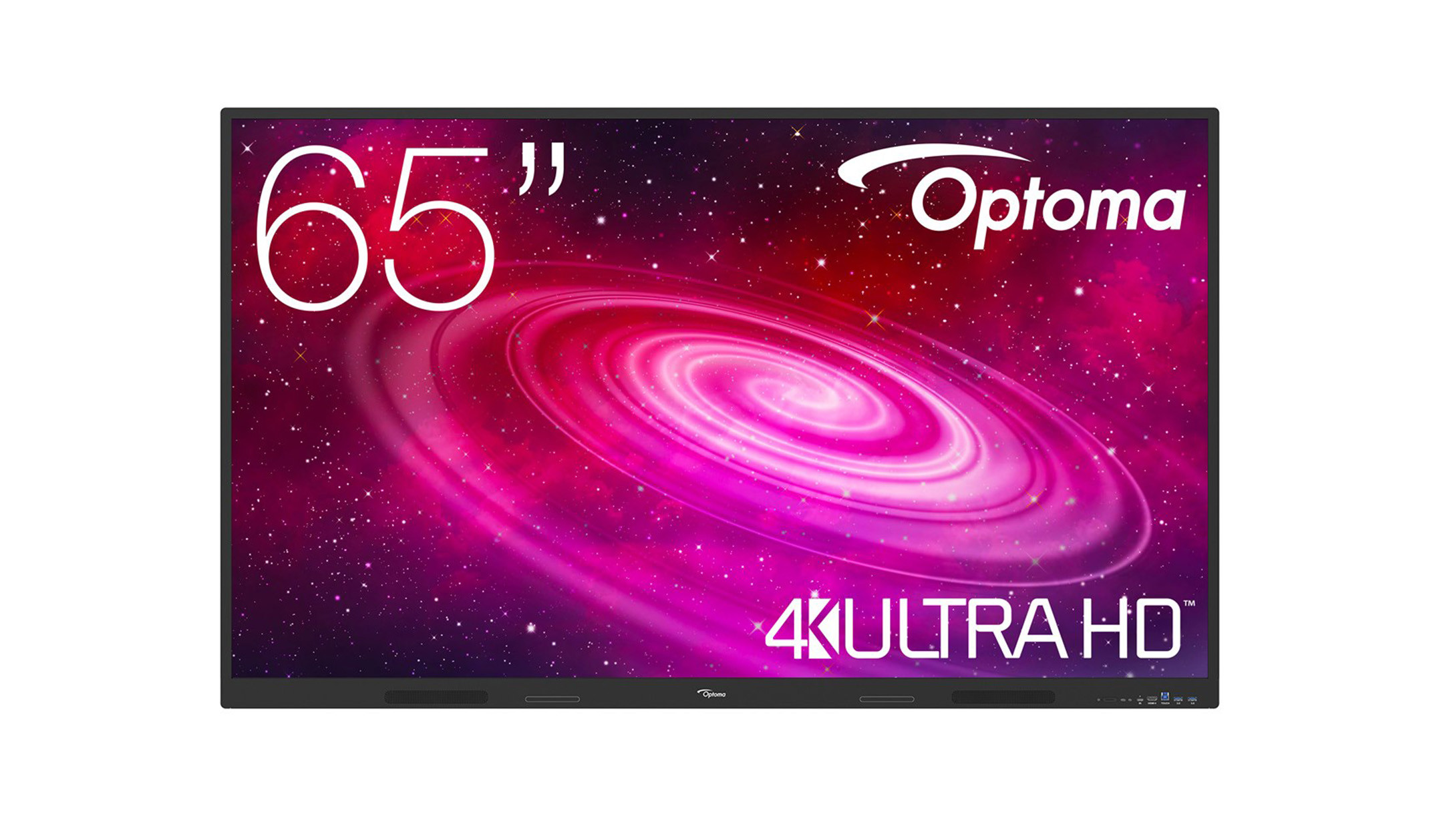
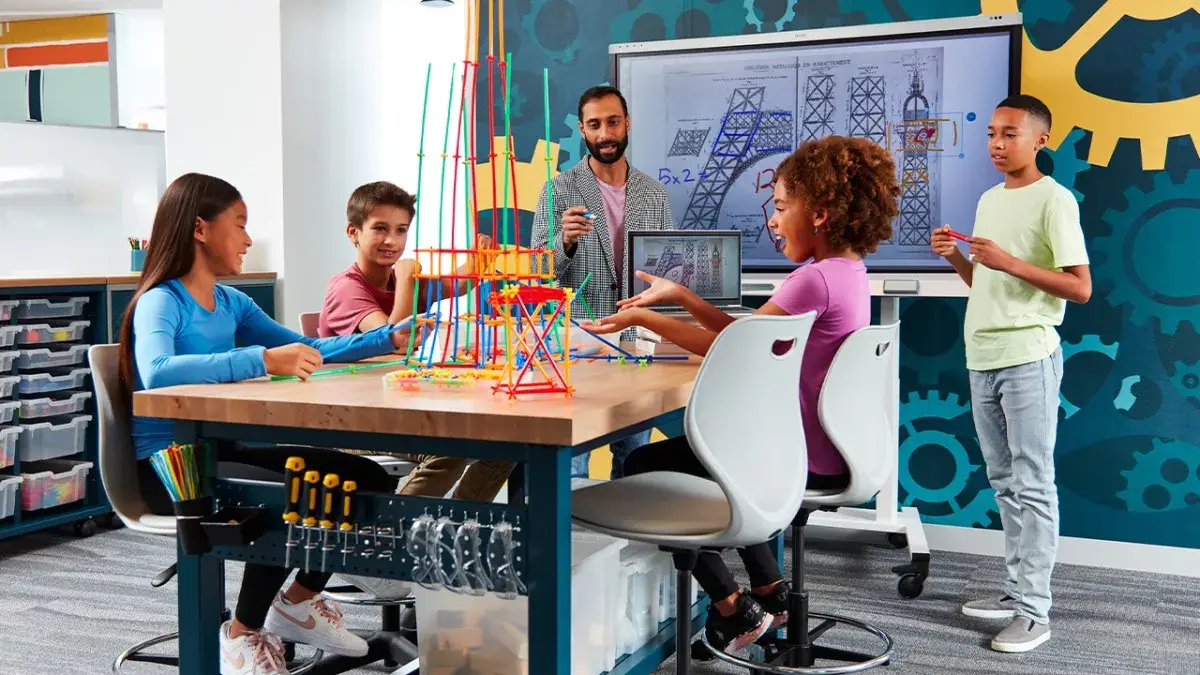
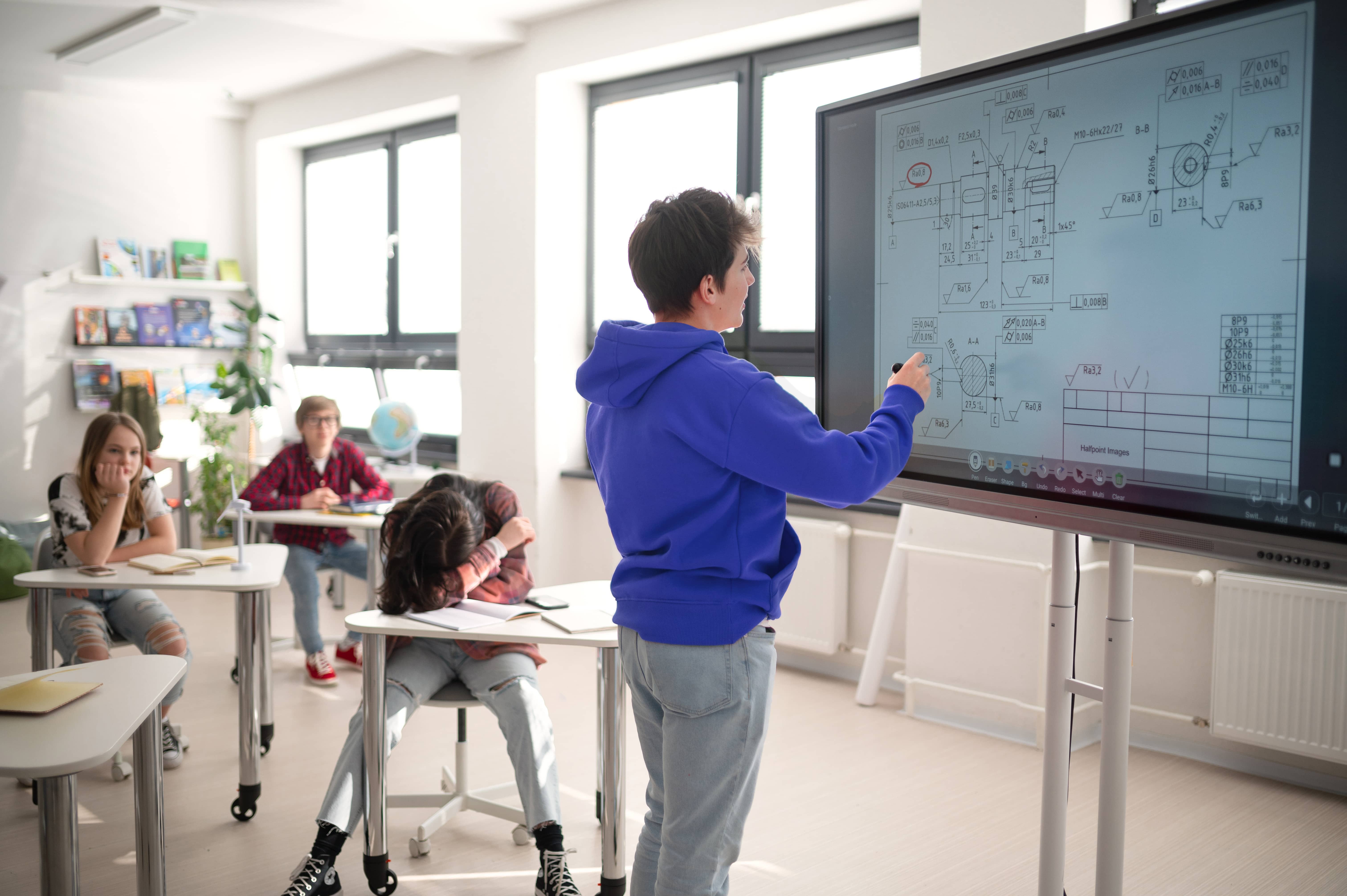
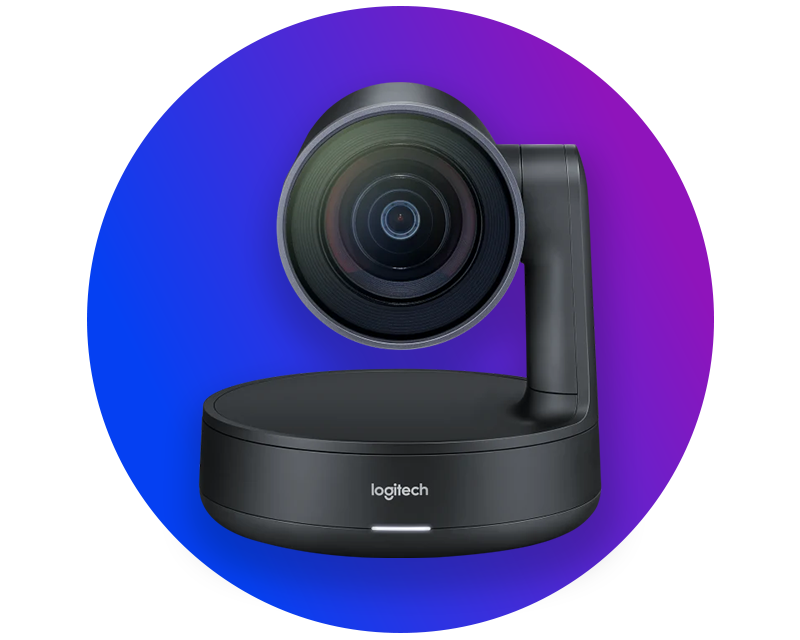
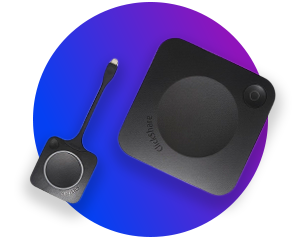
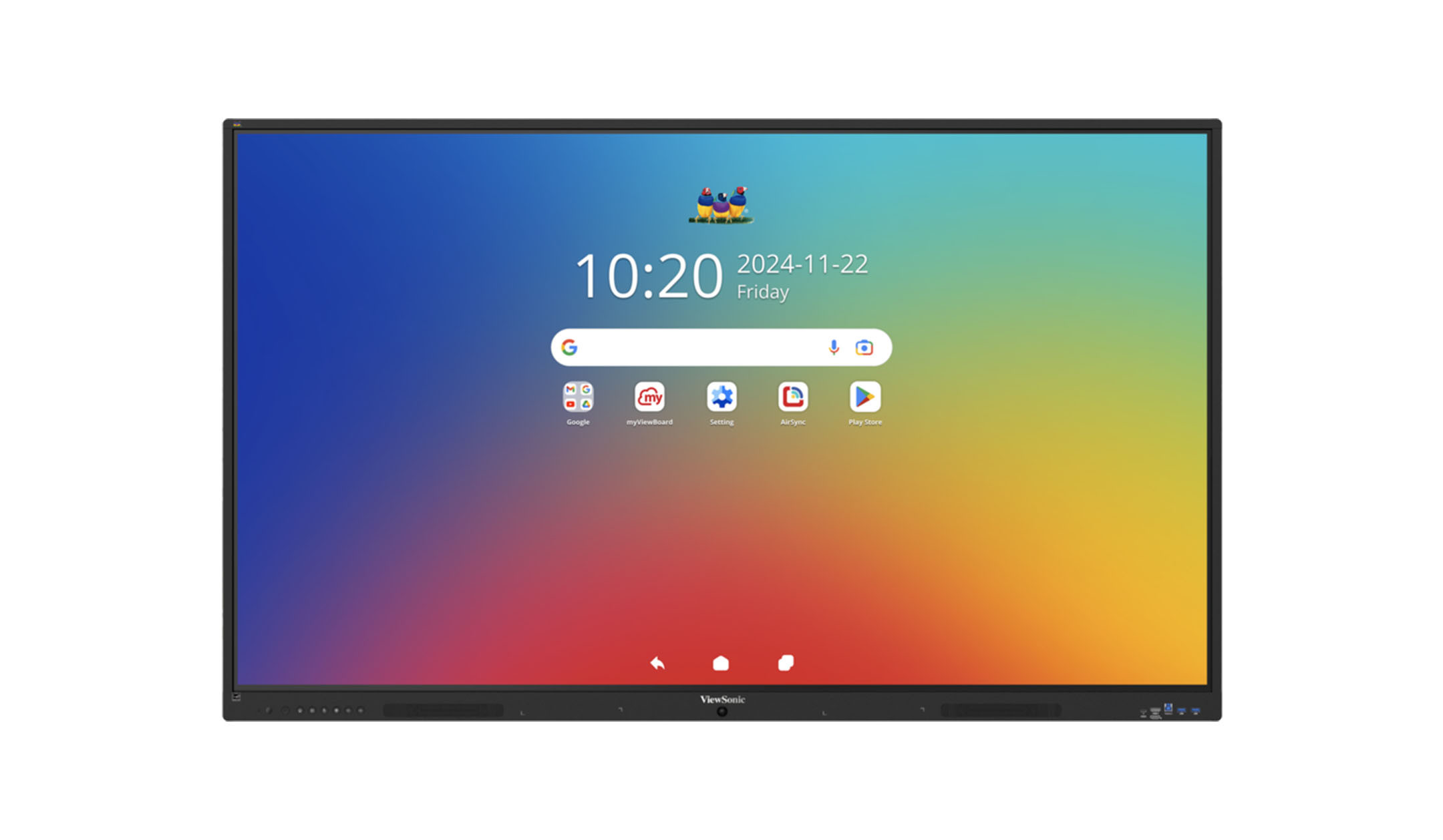
Classroom displays are the digital answer to chalkboards and overhead projectors. With interactive displays from SMART, Promethean, ViewSonic, Samsung & Co., you can design blackboard images digitally and share worksheets at the touch of a finger. Thanks to wireless connection options such as AirPlay, Miracast and Chromecast, you can get students actively involved in the lesson with just a few clicks. Useful additions such as height-adjustable& pylon systems, slot-in PCs, soundbars and visualisers transform the classroom into a Smart learning space. Buy classroom displays now and experience teaching in a new way. Our visunext experts will help you find the right display. Discover the benefits of classroom displays in the classroom.
Advantages of classroom displays for use in the classroom
Both interactive touch displays and displays without touch function can be used in the classroom. Both device categories have their own advantages and offer specific application possibilities. In general, all classroom displays are characterised by the following advantages:
Which display technologies can be used in the classroom?
Both interactive touch displays and displays without touch function are used in the classroom. Both technologies can be usefully integrated into lessons. While touch displays focus on direct interaction on the large surface, non-touch displays primarily serve as a display surface for mobile devices.

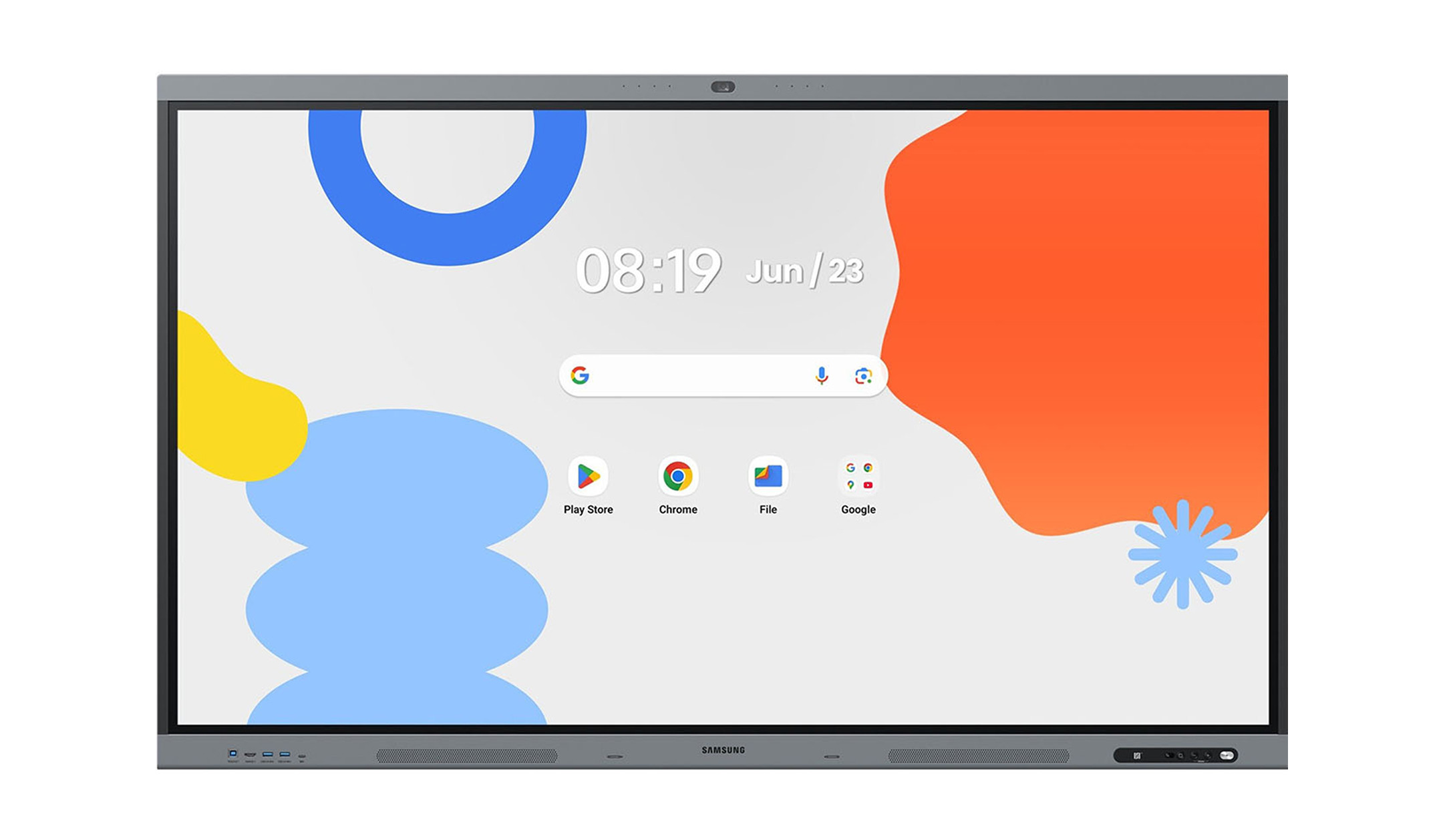
How can classroom displays be used in the classroom?
Displays are far more than just a replacement for the chalkboard. They form the digital centrepiece of the classroom, enabling interaction, simplifying preparation and opening up new ways of imparting knowledge. Here are the key applications:
Our partners for the digital classroom
What software is needed for digital teaching?
The software forms the functional link between hardware and digital content. Software solutions are often already integrated into interactive touch displays in particular. Alternatively, they can be retrofitted or supplemented with additional hardware or apps.
- Interactive whiteboard software: Enables writing, drawing and the use of digital tools such as rulers, shapes and handwriting recognition.
- Seamless cloud connection: Allows direct access to prepared materials (e.g. via OneDrive or Google Drive) via secure login on the device.
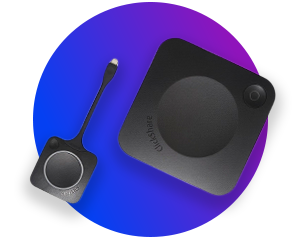
- Wireless image transmission: Protocols such as AirPlay, Miracast or Chromecast mirror mobile devices to the display wirelessly and without additional adapters.
- Learning platforms: Compatibility with existing learning management systems enables structured assignment and backup of lesson content.


From classroom display to interactive whiteboard system
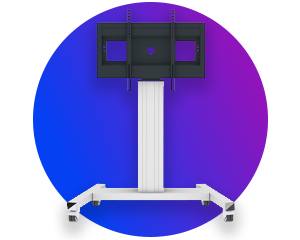
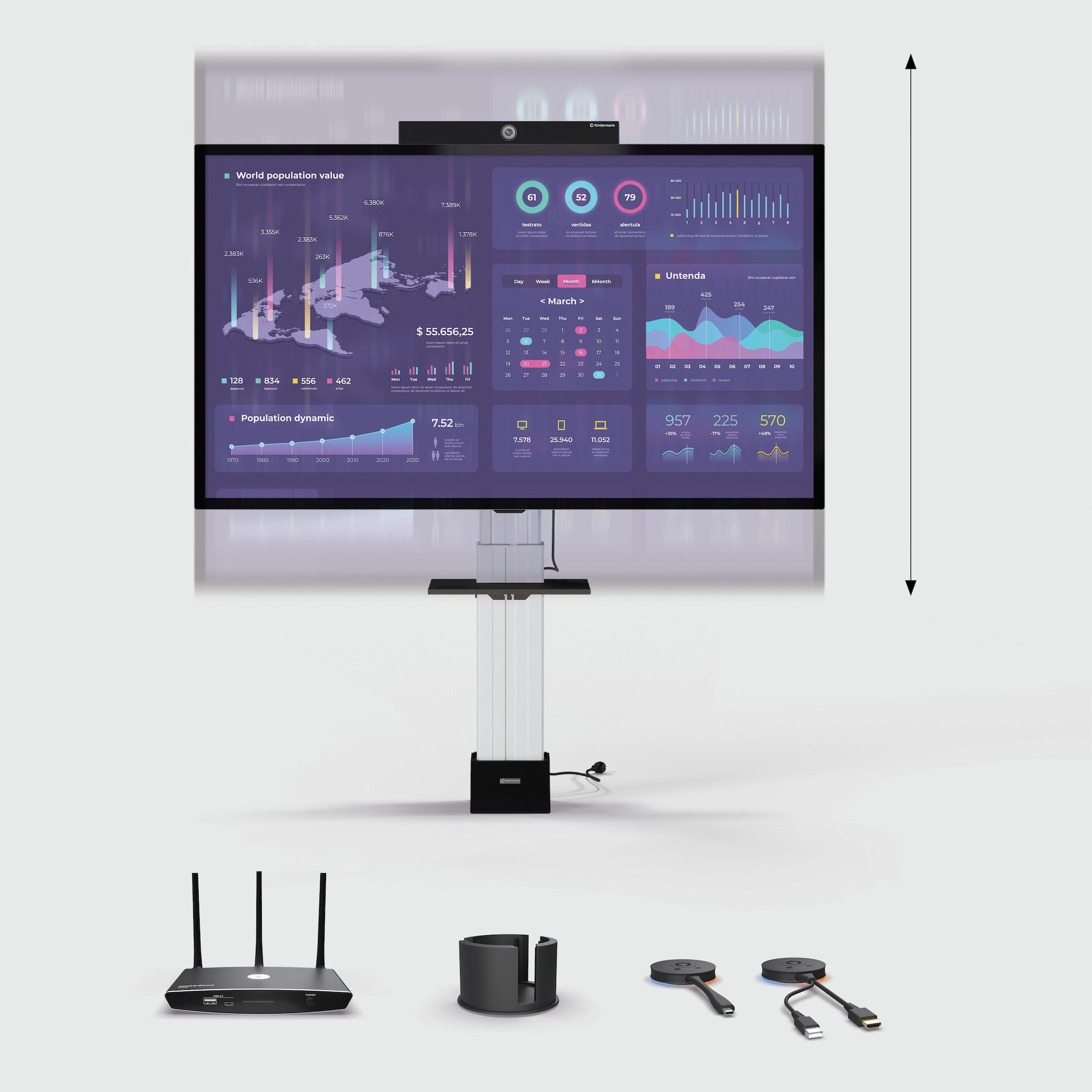
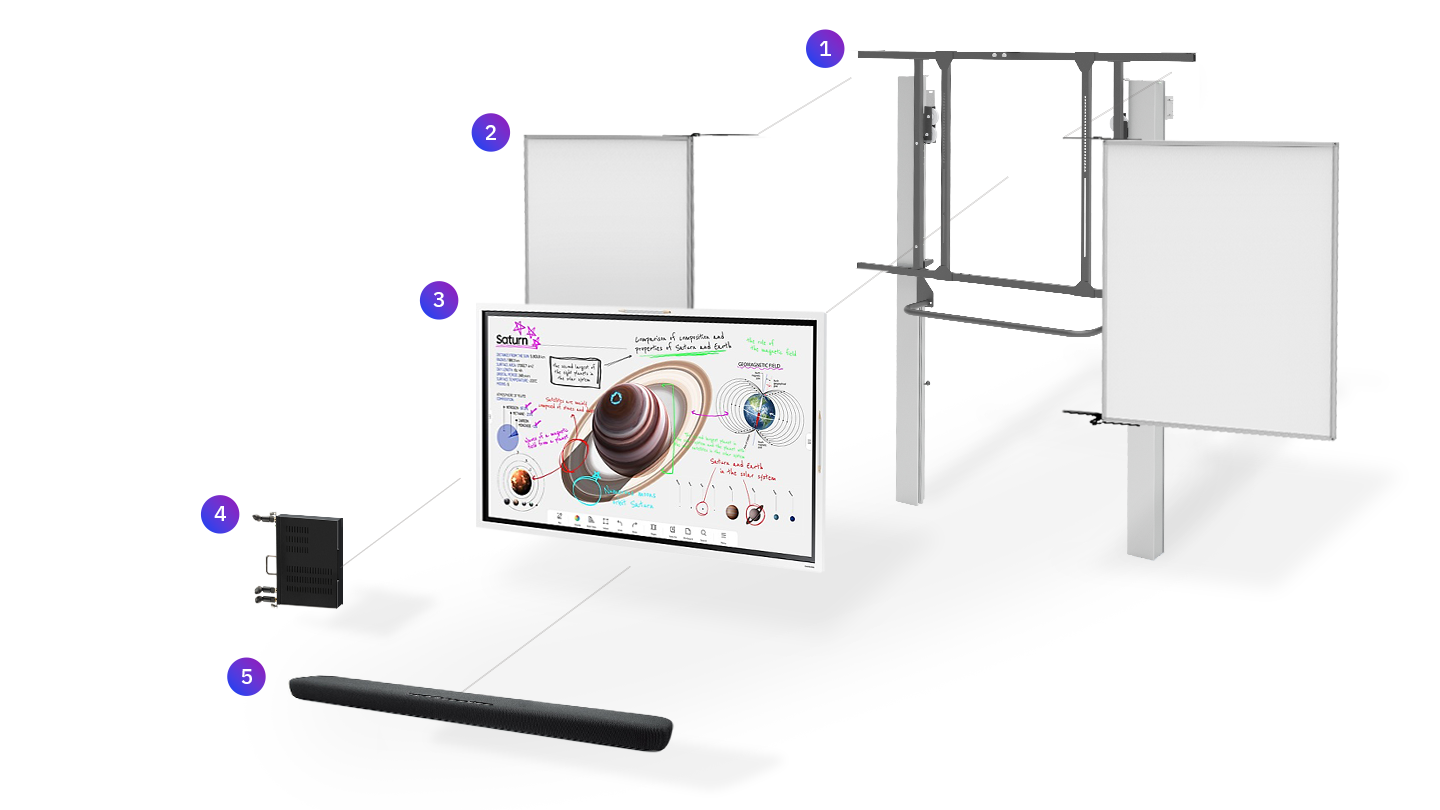
To get all you can from classroom displays for teaching and learning and install them as a complete solution in the classroom, they can be supplemented with pylon systems, slot-in PCs or analogue whiteboard wings. This allows you to create a future-proof learning environment. You can find out all about interactive whiteboard systems in our guide!
Find suitable accessories for your classroom display
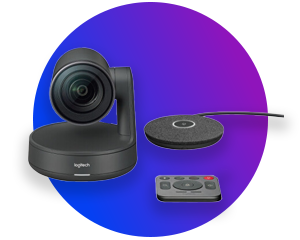
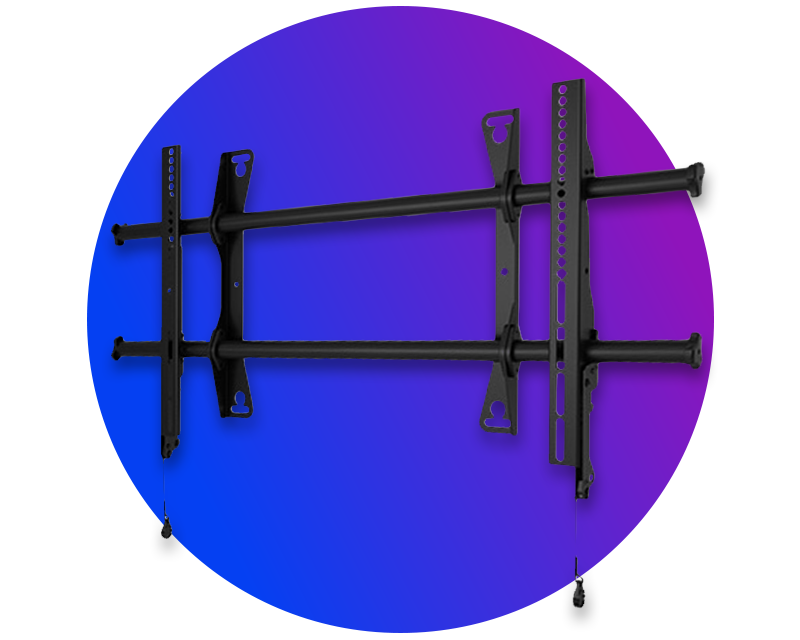
Add more powerful media technology to your classroom display and make your lessons even more interactive, hybrid and inclusive.